JAMB photograph keeps getting rejected? Here’s what the capture system is actually checking

I stood behind a JAMB registration desk in Lagos last registration cycle, watching the operator retake the same candidate’s photo four times. Her hijab kept covering her left ear, the ceiling light kept washing out one side of her face, and nobody at the desk explained why the system kept bouncing the image back. That’s the moment I realized most of the advice online about JAMB photo problems is incomplete. “Wear a white background” doesn’t help when the real issue is ear visibility or screen glare.

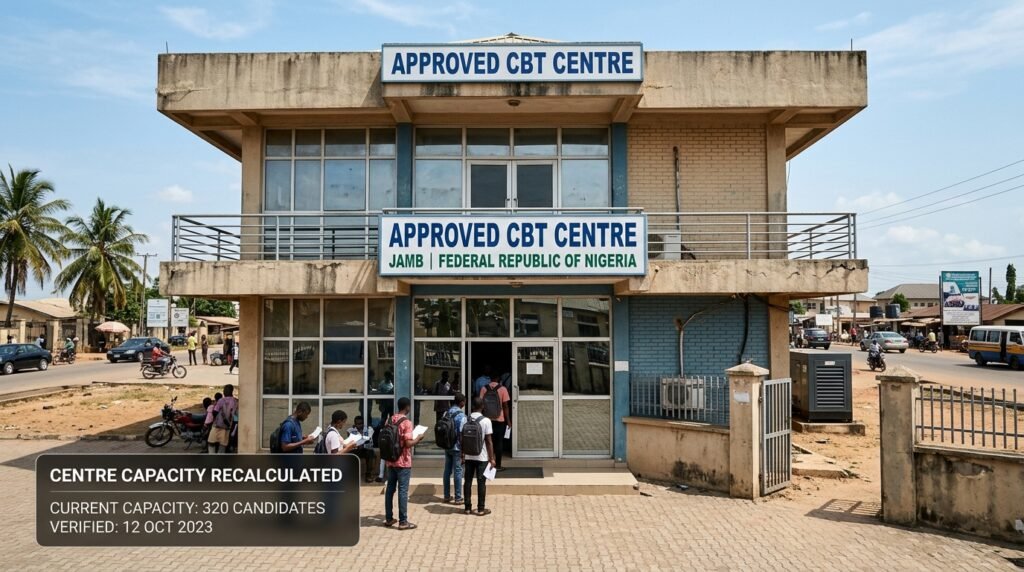
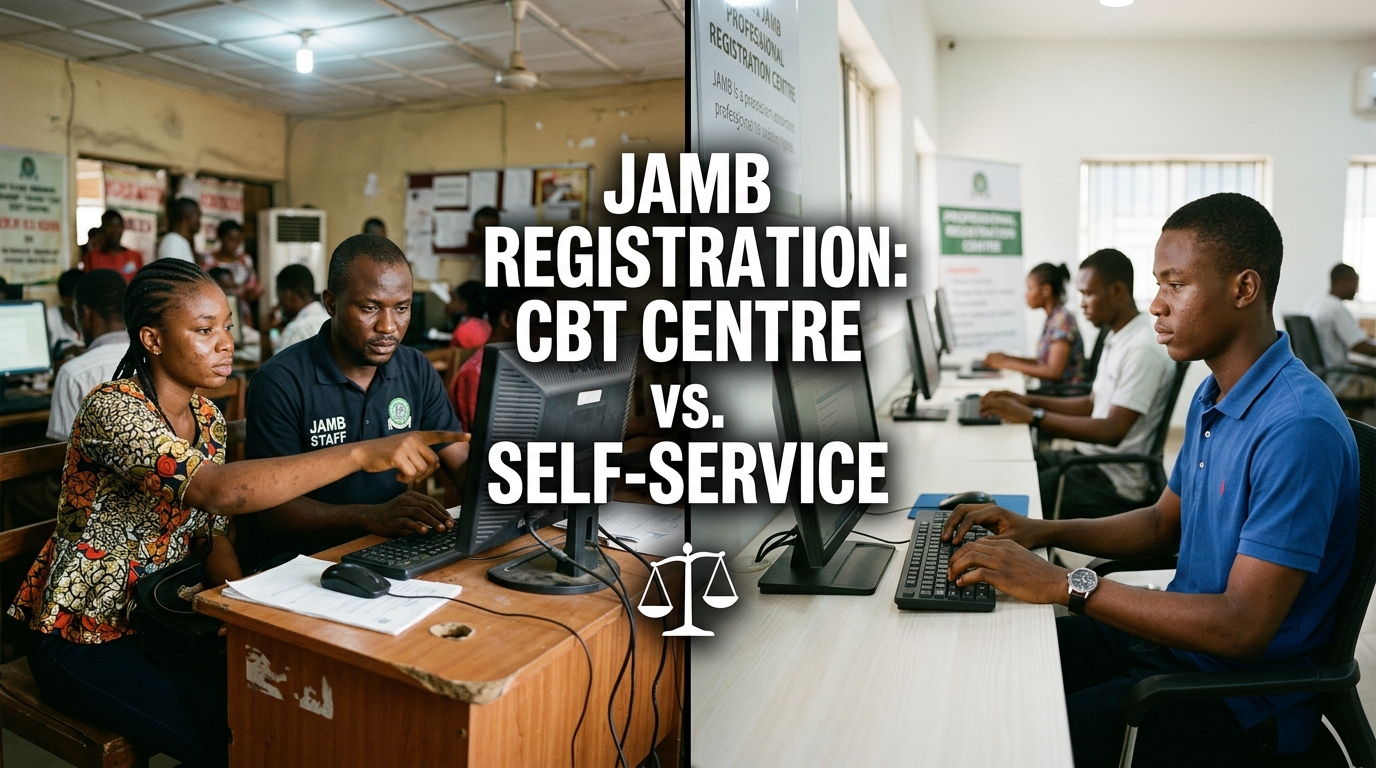
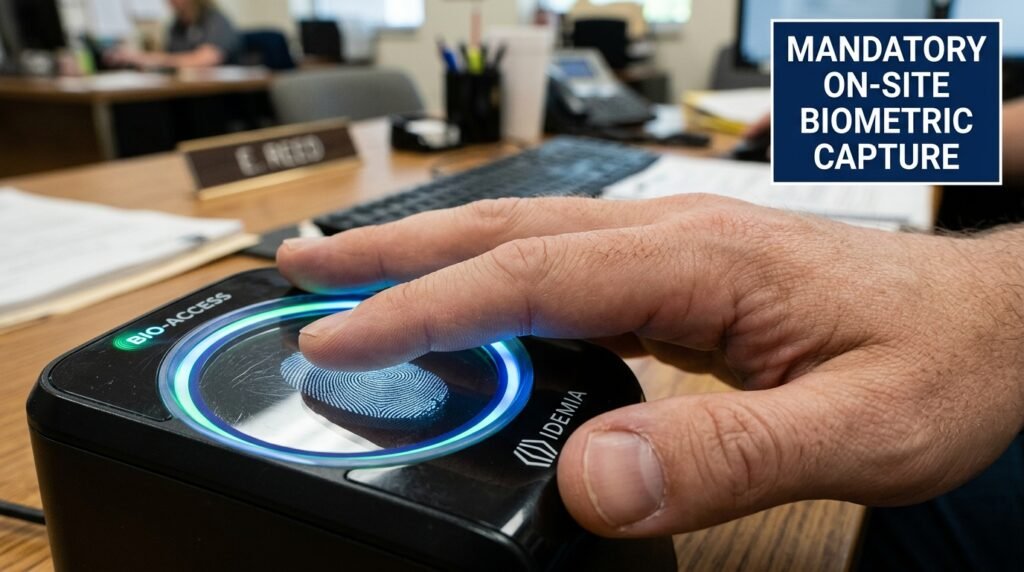
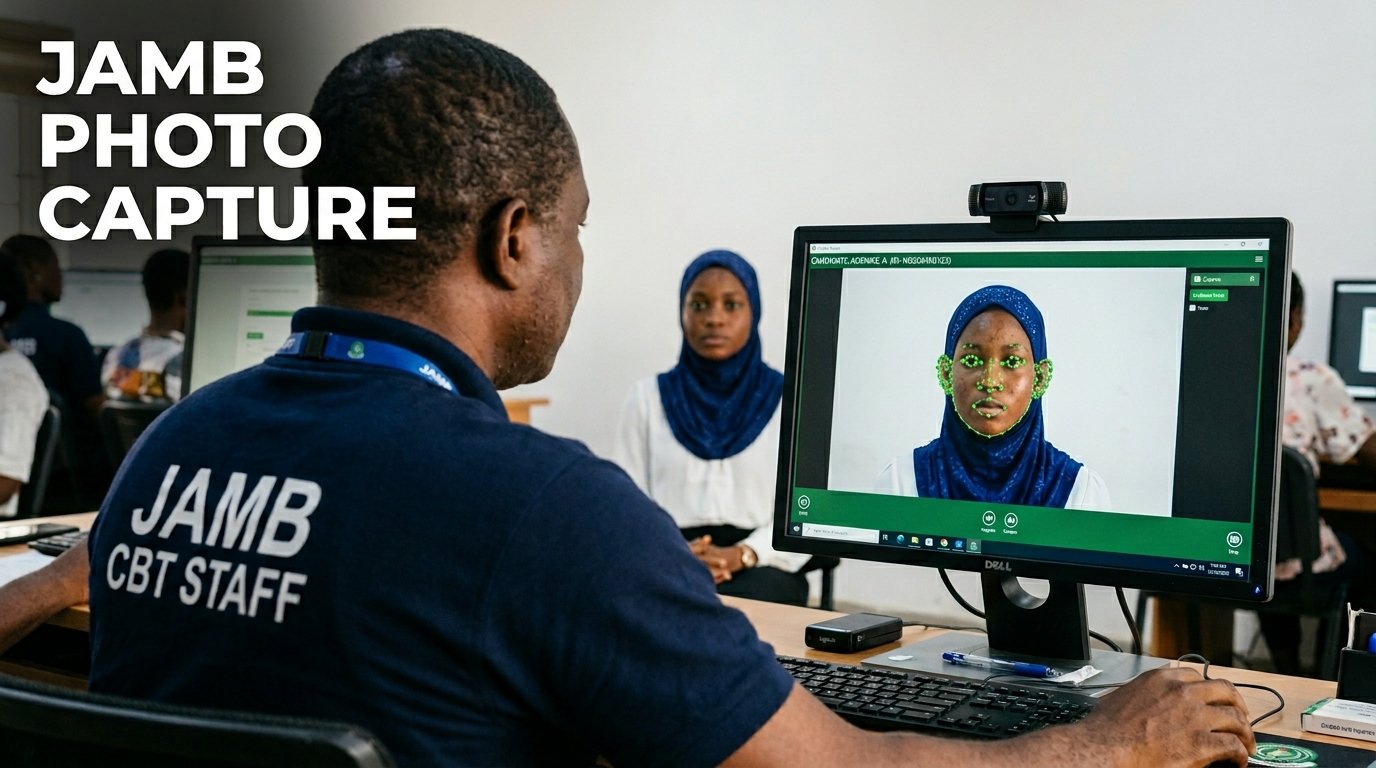
Here’s the thing that trips up almost every candidate and parent: JAMB doesn’t work like a typical online form where you upload a photo from your phone. Your photograph and your ten fingerprints get captured live, at an accredited JAMB CBT centre, by an operator using the centre’s own camera and software. There’s no “choose file” button on your end. So when people talk about a JAMB photo “upload” getting rejected, what they’re really describing is the live capture screen refusing to accept the shot, or an operator manually rejecting it and asking for a retake.

That distinction matters because it changes where you should focus your effort. You can’t fix a bad photo by re-uploading a better JPEG from your laptop. You fix it by controlling the conditions in the room before the camera ever clicks.

Key takeaways

  • JAMB photographs are captured live at the CBT centre, not uploaded as a file from your own device. There’s no separate photo upload step for candidates to manage on their own.
  • The capture software and the operator are both checking several things at once: face position, both ears visible, lighting evenness, no glasses, no head covering blocking facial landmarks (unless for religious reasons), and a clean background.
  • The ear-visibility rule is real and it’s a stated JAMB requirement, confirmed publicly by the Board after a viral hijab incident in February 2026. It applies regardless of headwear, including hijabs, which can stay on as long as the ears show.
  • Glasses are a common, avoidable rejection trigger because glare and frame edges interfere with facial landmark detection.
  • Your JAMB photo becomes a permanent identity record used to verify you at the exam hall and, in some cases, during admission. Getting it changed later costs money and requires a centre visit.

What’s actually happening when your photo gets “rejected”

Before you can fix the problem, it helps to know what’s running behind the screen. JAMB’s photo capture, like most modern biometric registration systems, isn’t just snapping a picture. It’s running a facial detection check at the same moment the camera captures the frame. That check looks for a face in the right position, judges whether the lighting is even enough to read facial features, and flags anything covering key landmarks like the eyes, nose, or ears.

If any of those checks fail, the system either refuses to save the image or the operator sees a flagged result and asks you to sit for it again. Both outcomes look the same to you: you get told to retake the photo, often with no real explanation of which rule you broke.

I’d lean toward treating this like a checklist exercise rather than a one-shot guess. Walk in already knowing what the five common failure points are, and you cut your retake count down to one or zero.

The five automated checks behind every JAMB photo rejection
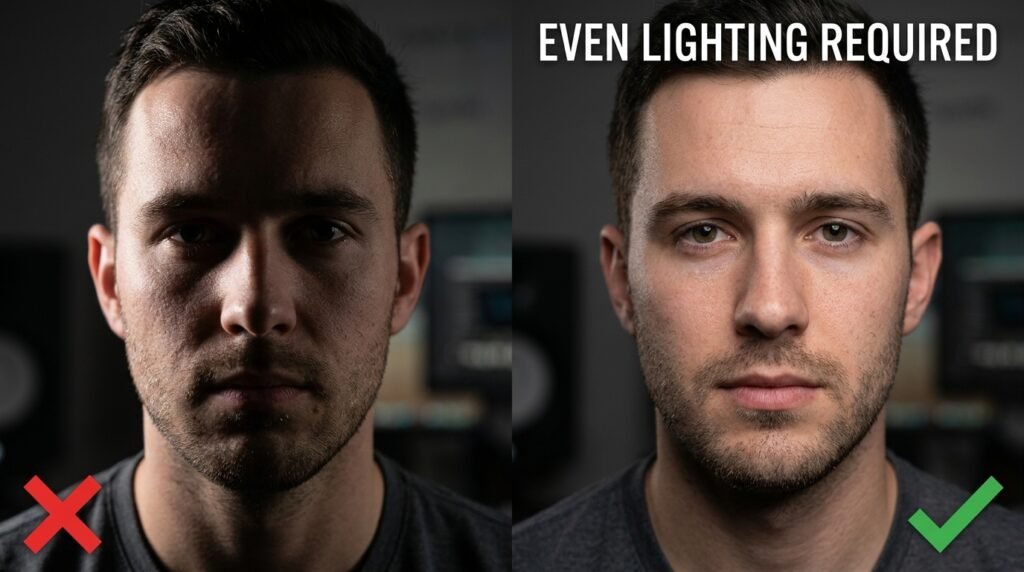
Every system that does live biometric capture, whether for a passport, a visa, or a national exam, runs some version of the same five checks. JAMB’s process follows that same general pattern, based on its own published guidance and the technical explanations it has given publicly.

1. Face position and size ratio

The camera needs your face centred and large enough in the frame, but not so close that your chin or forehead gets cut off. A face that’s too small, too far to one side, or tilted at an angle confuses the detection software, because it can’t map the standard set of facial points (eyes, nose bridge, mouth corners, ear positions) it needs for a clean read.

2. Lighting evenness

This is the one I watched trip up that candidate in Lagos. A single overhead light or a window behind you creates a bright patch on one side of your face and a shadow on the other. The system reads that as inconsistent data, since half your face looks different from the other half in terms of brightness and contour. Flat, even light from the front, not from above or behind, is what the camera actually needs.

3. Obstruction of facial landmarks

This covers glasses, caps, and any head covering that blocks the ears or hairline. JAMB has been explicit that both ears need to be visible during capture. Following a February 2026 incident at a CBT centre in Ekiti State, where a candidate’s hijab use sparked public concern, JAMB issued a clarifying statement: candidates are not required to remove their hijab. The simple requirement is that the ears be visible during photo capture, which can be done without removing the hijab itself. The Board described it as a standard technical step for facial recognition, comparable to passport and visa photo rules used internationally, rather than a religious restriction.

Glasses cause a separate, more mechanical problem. Frames can sit right across the upper part of the face where landmark points get measured, and lenses catch glare from ceiling lights or flash, which creates a bright spot the software reads as missing data. Removing glasses for the capture, even briefly, avoids this entirely.

4. Background uniformity

A cluttered or patterned background behind you (other candidates walking past, a poster on the wall, a curtain with a print) gives the face-detection algorithm more visual noise to sort through. Most CBT centres should already have a plain wall or fixed backdrop set up for this exact reason, but it’s worth a quick glance before you sit down. If the chair is angled so a doorway or window is right behind your head, ask if you can move slightly.

5. Resolution and sharpness floor

The camera and software at the centre need a sharp, well-resolved frame to extract facial detail accurately. A motion blur (you moved or spoke mid-capture), a smudged camera lens, or a low-quality webcam on an older centre setup can all push the image below that floor. This one’s mostly outside your control once you’re in the chair, but staying still and waiting for the operator’s countdown instead of anticipating it solves most of it.

The pre-capture checklist that pre-empts each rejection reason

I built this around the five checks above, because matching the fix to the actual failure point is what the generic “wear white and smile” advice misses entirely. Run through this before you sit in front of the camera.

  • Position: Sit square to the camera, chin level, eyes looking straight ahead. Don’t lean in close enough that the operator has to ask you to move back.
  • Lighting: Avoid sitting directly under a single bright light or with a bright window behind you. If the room has uneven light, ask the operator if there’s a better-lit spot or angle.
  • Glasses: Take them off for the capture unless you have a documented medical need to keep them on. Ask the operator if a brief removal is fine; it almost always is.
  • Head covering: If you wear a hijab, niqab, or other head covering, adjust it ahead of time so both ears are visible without removing the covering. Practise this at home in a mirror so you’re not fumbling with it at the centre.
  • Caps and hats: Remove any cap or hat with no religious basis. These almost always get flagged because they shadow the forehead and sometimes the eyes.
  • Background: Glance behind you. If there’s clutter, a patterned wall, or people walking past right behind your seat, mention it to the operator before the shot is taken.
  • Stillness: Wait for the operator’s cue and hold still for a second after. Don’t smile widely, talk, or blink right as the capture happens.
  • Expression: Keep a neutral, relaxed face. You don’t need a forced smile, and an exaggerated expression can shift the geometry the software is trying to read.

JAMB photo capture compared with other biometric photo systems

It helps to see this in context, because the underlying technology isn’t unique to JAMB. Passport and visa systems run nearly the same checks, which is part of why JAMB itself has pointed to those systems when explaining its own rules.

CheckJAMB biometric captureInternational passport/visa photo capture
Where it happensLive, at an accredited CBT centre, by an operatorLive, at a passport office or accredited photo agent
Candidate uploads own fileNoNo, in most countries with biometric enrolment
Ears visible requiredYes, stated explicitly by JAMB in 2026Yes, standard requirement in most ICAO-aligned systems
Glasses allowedGenerally discouraged due to glare and landmark obstructionUsually disallowed unless for a documented medical reason
Head covering for religious reasonsPermitted, ears must still be visiblePermitted, full face must still be visible, written declaration sometimes required
Background requirementPlain, uniform background at the centrePlain white or light-coloured background, controlled by the photo booth or photographer
Who fixes a bad captureThe centre operator, during the same session, by retaking itThe photo agent or office, often during the same session
Cost to correct after the factA data correction fee, payable through JAMB’s portal, plus a centre visitVaries, but usually requires a new appointment and a new fee

What happens if a bad photo slips through anyway

Sometimes a photo passes the capture step but turns out blurry, oddly lit, or just not great once you see it on your printed slip or admission documents. This happens more than people admit, because the operator is moving through dozens of candidates an hour and a borderline image can get waved through.

If that’s you, don’t panic and don’t try to “fix” it by registering again. JAMB has repeatedly warned that double registration ruins both records, since duplicate profiles get flagged and can void your application entirely. The correct route is JAMB’s official data correction process through the e-Facility portal, which covers passport photograph changes along with other profile details. Reported fees for this service have varied by cycle and by source, generally falling somewhere in the few-thousand-naira range, so check the current figure on JAMB’s own portal before you pay anything to a third party. Most photo or biometric corrections also still require a follow-up visit to an accredited CBT centre or JAMB office, since your fingerprint confirms the change.

One thing worth knowing upfront: this correction is typically a one-time allowance. Treat the first capture as the one that counts, not as a draft you can casually redo later.

Common bad advice that doesn’t match how the system works

A lot of guides tell candidates to prepare and upload a passport photograph before visiting the centre. That advice is outdated for how registration actually runs now. JAMB has stated plainly that the application can’t be completed without biometric and photo capture happening physically at the centre, and that no submission of a passport photograph replaces this step. Bringing a nice photo from home won’t help you skip the live capture, and centres that suggest otherwise aren’t following JAMB’s process.

Another common but shaky piece of advice: “just smile naturally and you’ll be fine.” A relaxed, neutral expression actually works better for facial recognition accuracy than a big smile, since a wide smile shifts the shape of your eyes, cheeks, and mouth in ways that can throw off the geometry the system is trying to lock onto. Save the smile for the graduation photo.

Frequently asked questions

Can I wear makeup for my JAMB photo capture? Light, natural makeup is fine. Heavy contouring or anything that changes your face shape on camera can interfere with the same landmark detection that flags poor lighting, so keep it minimal for this specific photo.

What if my centre’s camera looks low quality? You can’t swap out the centre’s equipment, but you can control your half of the equation: good lighting, a still pose, and a clear background. If the capture keeps failing on the same attempt, ask the operator to check the camera angle or lens before you sit for another retake.

Does skin tone or lighting bias affect facial detection accuracy? Lighting evenness matters more than skin tone for most modern detection systems, but uneven or warm-toned lighting can still create more contrast loss on darker skin tones, which is part of why flat, even lighting from the front works better for everyone sitting for this kind of capture.

If you’re heading to a CBT centre soon, practise the ear-visibility adjustment and the seated position at home first, in front of a mirror, so it’s automatic by the time you’re in the chair. That single rehearsal removes the two most common reasons candidates end up retaking the shot three or four times before it finally clears.

JAMB exam slip centre details: when the venue, date, and time appear and how to read them

I sat at a cybercafe last printing season watching a candidate stare at her freshly printed JAMB slip, confused because there was no centre name on it anywhere. She’d registered weeks earlier, paid her fees, done her biometrics, and the slip in her hand still didn’t say where she’d be writing the exam. She thought something had gone wrong with her registration. Nothing had. She just had the wrong slip in her hand.

That mix-up happens to thousands of candidates every JAMB cycle, and it’s almost never explained properly. Most guides just tell you to “wait for reprinting to open,” without ever explaining why your first slip is blank where the venue should be, or what exactly changes once the second one shows up.

Key takeaways

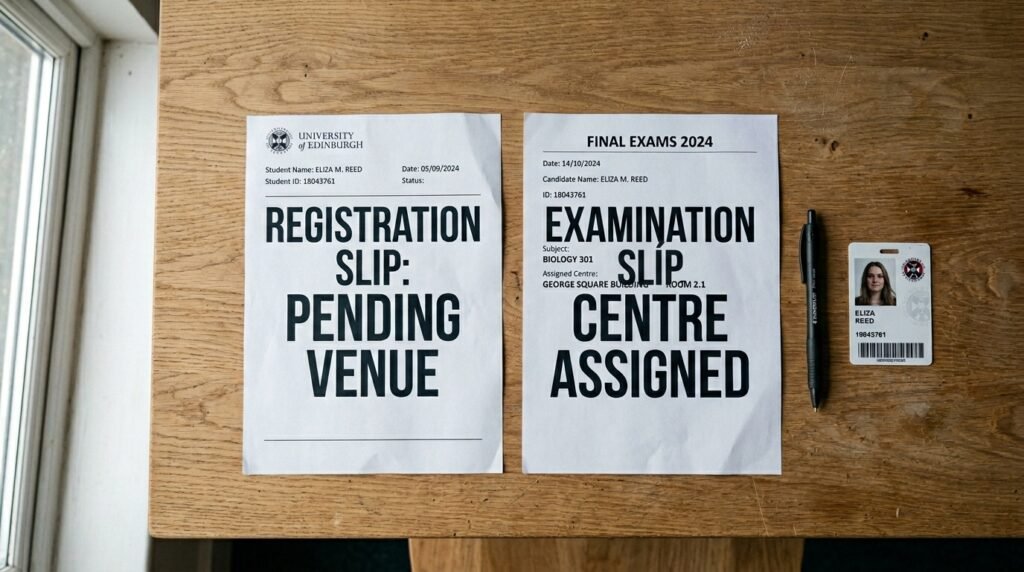
  • JAMB issues two different documents during the UTME cycle: a registration slip (printed right after your CBT centre visit) and an examination slip (printed later through the reprinting portal).
  • The registration slip confirms your registration went through. It does not carry your exam venue or date, because those haven’t been assigned yet.
  • The examination slip is the one with your actual exam date, reporting time, and centre address. It only becomes available once JAMB finishes assigning candidates to centres, which happens close to the exam window.
  • For the 2026 UTME, reprinting opened on April 9, 2026, with the main exam running from April 16 to April 25, 2026, roughly a week’s gap.
  • You print the exam slip from JAMB’s official reprinting portal, not from your original registration session.

Why your slip looks blank where the venue should be

Here’s the part nobody explains clearly enough. When you finish your registration at a CBT centre, the system prints you a registration slip on the spot. That slip exists to confirm one thing: that your registration was captured correctly, with your biometrics matched and your details locked in.

At that exact moment, JAMB hasn’t decided where you’ll sit your exam yet. Centre assignment is a separate process that happens after registration closes for everyone, not for you individually. JAMB has to look at how many candidates registered in each state and town, match that against how many CBT centres can actually hold them, and spread candidates across multiple exam days so no single centre gets overwhelmed on one date. None of that work can start until registration is fully closed.

So your registration slip has a line where the centre name should go, and instead of an address, it says something like “your examination slip will be available later to know your centre and date of examination.” That’s not a glitch. It’s JAMB telling you, in plain text, that this document isn’t the final word on where you’re going.

Registration slip vs examination slip: a field by field look

This is the comparison most articles skip, and it’s the one thing that would have saved that candidate at the cybercafe a wasted trip. Here’s what each slip actually carries.

FieldRegistration slipExamination slip
Full name and photoYesYes
Registration numberYesYes
Examination numberYes (sometimes partial)Yes (complete)
Subject combinationYesYes
Choice of institutionsYesUsually not shown again
Examination townYes (general town/state)Yes
Examination centre name and addressNo, placeholder text onlyYes, full name and address
Centre number and seat numberNoYes
Exam dateNoYes
Reporting/arrival timeNoYes
Biometric reminder noticeYesYes

Look closely at that table and the pattern is obvious. Your registration slip tells JAMB’s system who you are and what you applied for. Your examination slip tells you where to physically show up and when. They overlap on identity details and repeat the biometric warning, but only one of them carries the logistics you actually need on exam morning.

When the venue, date, and time actually appear

The honest answer is: not until reprinting opens, and reprinting doesn’t open until JAMB has finished its centre allocation. For the 2026 UTME cycle, that reprinting portal went live on April 9, 2026, with the main examination period running from April 16 through April 25, 2026. That left roughly a week between the slip becoming available and the exam window starting, which is fairly typical of how JAMB has sequenced this in recent cycles.

I’d lean toward checking the portal every couple of days starting a week or so before the exam window opens, rather than refreshing constantly from day one. JAMB doesn’t release everyone’s slip on the same hour. Centre and date assignment rolls out in batches, so a blank result on the reprinting page right now doesn’t mean anything is broken with your file. It usually just means your batch hasn’t been processed yet.

A quick troubleshooting note here

If you’ve tried to reprint and the screen comes back empty or stuck on a loading state, the most common explanations are:

  • Reprinting hasn’t opened yet for the current cycle.
  • Your particular batch hasn’t been assigned a centre yet, even though reprinting is technically live.
  • The portal is under heavy traffic, since millions of candidates hit it in the same short window.
  • You’re entering a slightly wrong registration number, email, or profile code (a single typo will return nothing).

None of these mean your registration was lost. Wait a day, double check your login details character by character, and try again during off-peak hours like early morning.

How to actually get your examination slip

Once reprinting opens, getting your slip is a short process. Here’s the sequence.

  1. Go to the official reprinting portal at portal.jamb.gov.ng, using the ExamSlipPrinting/PrintExaminationSlip path, or the dedicated slipsprinting.jamb.gov.ng site.
  2. Enter your registration number, registered email address, or profile code, exactly as it was captured during registration.
  3. Submit and wait for your slip to render on screen. If it doesn’t load right away, this is usually traffic, not an error on your end.
  4. Check every field on the slip the moment it appears: your photo, your name spelling, your subject combination, and most importantly your exam date, reporting time, and centre address.
  5. Print at least two copies if you can, in case one gets smudged or damaged before exam day.
  6. If you don’t have a printer at home, save the slip as a PDF and take it to a cybercafe or accredited CBT centre to print.

The official reprinting itself doesn’t cost anything from JAMB’s side. If a cybercafe charges you a small fee, that’s for the printing service, not for generating the document.

What to do once you can see your centre

Seeing the centre name and address for the first time is a relief, but it’s also the point where a second mistake creeps in. Candidates assume that because the slip has an address on it, the job is done. It isn’t quite finished yet.

Do this:

  • Search the centre name and address to confirm exactly where it sits, especially if it’s not a location you recognise.
  • Visit the centre in person at least a day before your exam date if you can manage it, so you’re not navigating an unfamiliar area on the morning itself.
  • Note the reporting time exactly as written, not as “around morning” or “afternoon-ish.” JAMB centres run on staggered sessions, and arriving late for your assigned session usually means you don’t get in at all.
  • Keep both the digital file and a printed copy somewhere safe until after the exam.

Avoid this:

  • Don’t assume the centre on your slip matches the one you registered at originally. JAMB frequently assigns a different, sometimes distant, centre based on capacity rather than convenience.
  • Don’t rely on a friend’s slip or a previous year’s slip as a guide for timing, since reporting times have shifted between cycles (the 2026 session, for example, saw an adjustment to its session 1 arrival time partway through the exam window).
  • Don’t bring prohibited items like phones, wristwatches, or bags to the centre on exam day, since none of that is allowed inside regardless of what your slip says about timing.

Why this confuses so many candidates every year

The popular advice floating around is “just wait for reprinting,” and on its own that’s not wrong, it’s just incomplete in a way that leaves people anxious for no reason. Candidates check their registration slip, see no venue, and panic that their registration failed. It didn’t fail. The slip in their hand was never designed to carry that information in the first place.

The real fix is understanding that JAMB runs this as a two stage release on purpose. Stage one confirms you’re in the system. Stage two, which comes later and depends on centre allocation finishing, tells you where to go. Knowing that distinction up front means you stop checking the wrong document for information it was never going to have.

If your slip right now shows a placeholder line instead of a centre name, your registration is fine. Bookmark the official reprinting portal, wait for the announced opening date for the current cycle, and check back every couple of days rather than every hour once that window opens.

JAMB Foreign and Out-of-State Centres: How Allocation Works When You Register Away From Home

I registered a cousin for the UTME last year while she was studying in Cotonou, and the question that came up first wasn’t about subjects or the e-PIN. It was about where she’d actually sit the exam, since her home state is Edo but she hadn’t set foot there in two years. That mix-up is more common than JAMB’s own guidance pages let on, because most of what’s written about exam centres assumes you’re registering in the same town you grew up in.

Key takeaways

  • Your exam centre is tied to the town or country you pick during registration, not your state of origin on your biodata.
  • JAMB groups centres into examination towns, then spreads candidates across those centres at random once you’ve picked a town.
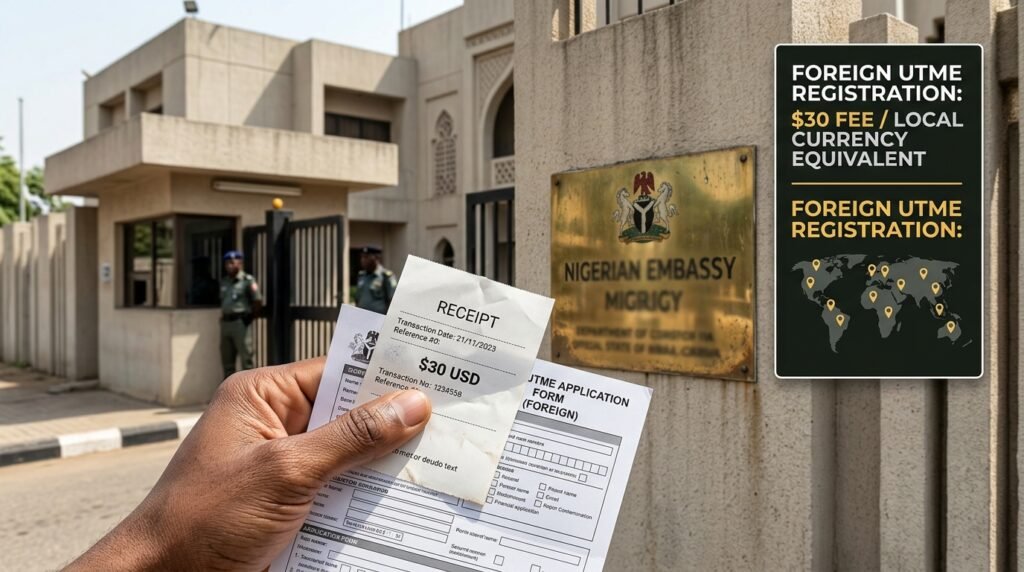
  • Ten foreign cities currently host registration and the exam itself for candidates abroad, and the fee there is paid in US dollars or the local equivalent.
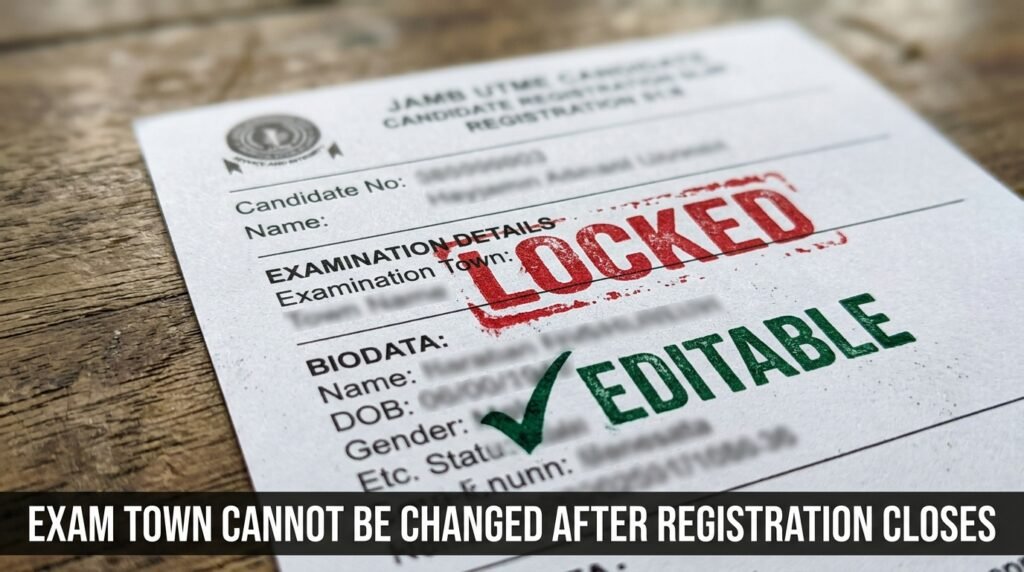
  • Once your town choice locks in at the close of registration, you cannot switch states, towns, or countries afterward.
  • A full town can quietly push you into a “group of towns,” meaning you might land in a neighbouring town you never typed into the form.

The one thing that actually decides your centre: where you register, not where you’re from

JAMB’s whole centre system runs on a single input: the examination town you select on the registration portal. That’s it. Your state of origin, the one tied to your NIN and shown on your slip, plays no part in this. It exists for catchment area and admission quota purposes, completely separate from exam logistics.

So if you’re an Edo-born candidate registering in Lagos because that’s where you’re in school, your exam centre comes from the Lagos town pool, not an Edo one. JAMB’s own Registrar has said as much directly: the board does not transfer candidates to a town they didn’t pick, and it doesn’t pull anyone into their state of origin’s town either. The system reads your registration location, not your bloodline.

This matters because a lot of candidates assume the opposite. They think JAMB will somehow “know” they’re from Anambra and route them home for the exam. It won’t. If you sit your registration in Port Harcourt, you stay in the Port Harcourt town pool unless you tell the form otherwise.

Why this trips people up

Parents and guardians are usually the ones who get this wrong, not the candidates. A parent registers their child at a CBT centre near the family’s current address (say, where dad works in Kano) while the family still thinks of itself as “from” Sokoto. They assume the system will sort it out by state. It won’t. The exam town field on the form is the only lever that controls where the candidate sits, and whoever fills that form has to type the actual intended exam location, not the ancestral one.

How JAMB actually assigns you to a centre once you’ve picked a town

Picking a town doesn’t hand you a specific CBT centre. It hands you a place in a pool. Here’s the mechanic, broken into the order it actually happens.

  1. You select an examination town during registration. This can be a single town or, in some cases, a listed group of towns.
  2. JAMB checks that town’s available capacity. Each town has a finite number of accredited CBT centres and a finite number of seats across them.
  3. If there’s room, your registration locks to that town. If the town is full, the system won’t let you pick it, and you have to choose from what’s still open.
  4. Closer to the exam date, JAMB’s internal system randomly distributes candidates from the town pool into specific centres within that town. The Registrar has described this as an automated process built specifically to remove human bias from which centre a candidate lands in.
  5. Your exact centre, address, and reporting time appear only when slip printing opens, a window that typically sits in the days just before the exam, not at the point of registration.

That gap between steps 3 and 5 is where most of the anxiety comes from. You commit to a town in January or February, and you don’t find out your actual building until April. There’s no way to check it earlier because the centre-level assignment genuinely hasn’t happened yet.

What “group of towns” actually means for you

Some areas don’t have enough standalone centres to stand alone as their own pool. JAMB merges smaller towns into a combined group instead. If you pick a grouped option, you’re agreeing to sit anywhere within that group, not just the specific town you may have had in mind when you clicked.

This came about partly because some single-centre towns saw collusion problems between candidates and centre staff, so JAMB folded thin-capacity towns into wider groups to dilute that risk. If you’re registering somewhere rural or in a smaller town, check whether your “town” option is actually a group before you commit. A different town within the same group can be an hour or more away from where you expected.

The out-of-state registration decision: a quick scoring check

Before you register away from your home area, run through this. I’m calling it the Away-From-Home Centre Check, and it’s built around hard thresholds rather than vague advice.

  • Travel cost on exam day: if getting to your chosen town and back costs more than a day’s wage for your household, that’s a real constraint, not a minor one. Price it before you register, not after.
  • Distance from your current residence: if your chosen town is more than two hours away from where you’ll actually be living on exam day, you’re betting on transport working perfectly on one specific morning. Pick closer if you can.
  • Town capacity history: smaller towns fill up fast. If you’re registering in the final week before the deadline, lean toward a town you know has multiple centres, since single-centre towns close out first.
  • Group-of-towns risk: if your state has merged towns into groups this cycle, treat your “chosen town” as a guess, not a guarantee, and prepare mentally for a neighbouring town instead.
  • Documentation mismatch: if your school records, NIN address, and current residence are all in different states, decide now which one the registration form should reflect, since you can’t quietly fix this after the fact.

Score yourself honestly on each line. If you fail two or more, it’s worth rethinking the town you’re about to lock in, because the system gives you exactly one shot at this choice.

Registering from outside Nigeria: the foreign centre system

Candidates living abroad don’t pick a Nigerian town at all. JAMB instead runs registration and the exam itself through a fixed set of overseas cities, almost always inside the Nigerian embassy or consulate in that country.

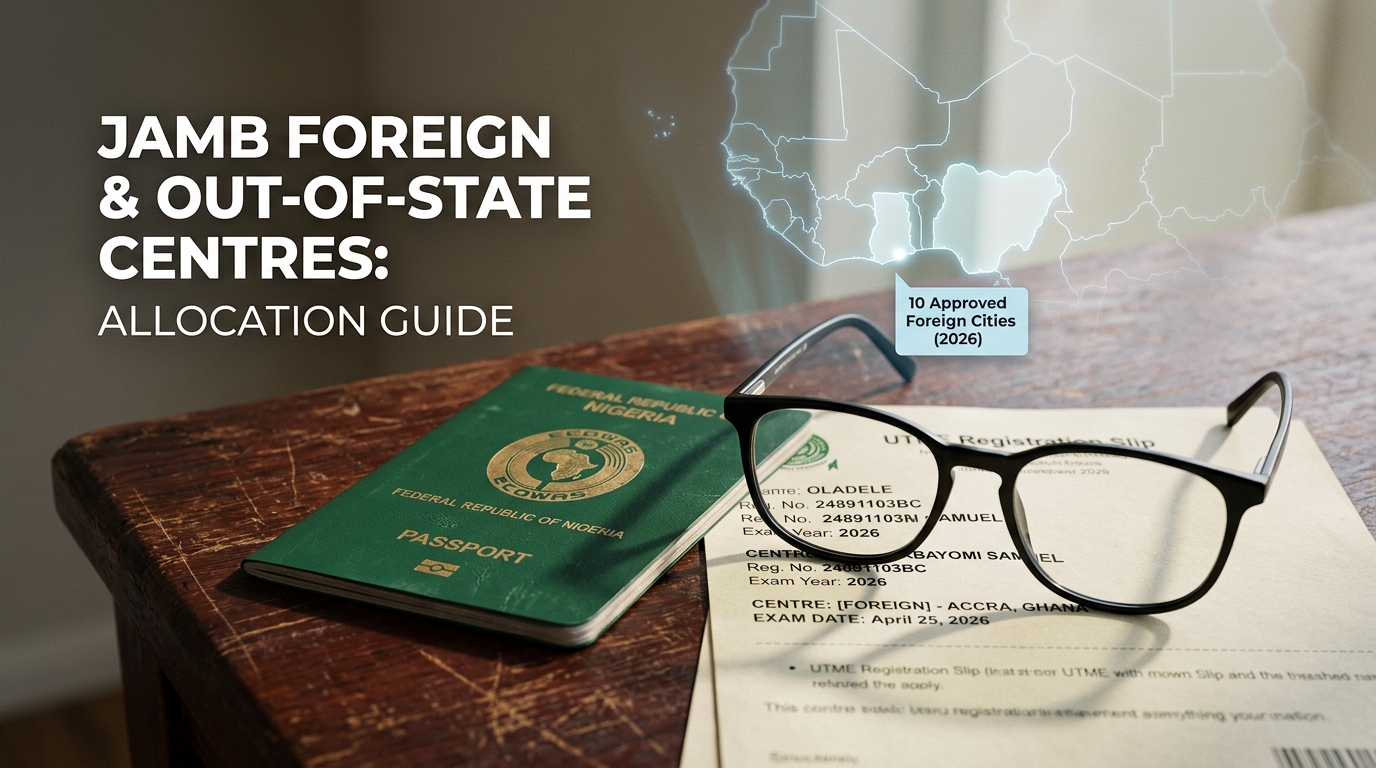
For the 2026 cycle, JAMB listed ten foreign cities as approved registration and exam locations: Abidjan, Accra, Banjul, Beau, Cotonou, Jeddah, Johannesburg, London, Malabo, and Ouagadougou. The Nigerian Missions, meaning the embassies, in each of these cities can be contacted directly for guidance on both the registration process and the exam itself.

The number on this list moves year to year. In 2025, only seven cities ran the foreign exam: Buea in Cameroon, Jeddah in Saudi Arabia, London in the United Kingdom, Johannesburg in South Africa, Lome in Togo, Cotonou in Benin Republic, and Accra in Ghana. In 2024 it ran across eight, adding Abidjan and Banjul to a similar core list. So if you’re abroad, don’t assume last year’s list is this year’s list. Check the current bulletin on JAMB’s own site before you plan around a specific city.

Foreign centre fees and what they cover

The registration fee for candidates registering from the foreign centres is thirty US dollars per country, or the local currency equivalent. That’s separate from, and in addition to, the standard naira-based ePIN cost candidates pay inside Nigeria. Some reporting from earlier in the 2026 cycle quoted fifty dollars instead of thirty, so treat the exact figure as something to confirm directly with the embassy or JAMB’s current portal rather than locking it in from memory, since these figures get revised between announcements.

How foreign centre allocation differs from domestic allocation

FactorDomestic (inside Nigeria)Foreign (outside Nigeria)
What you choose at registrationA specific Nigerian town or town groupA specific foreign city from the approved list
Where you physically registerAny accredited CBT centre in your areaThe Nigerian embassy or consulate in that city, or a designated centre there
CurrencyNaira, paid through the ePIN systemUS dollars or the host country’s local currency
Centre-level assignmentRandom distribution among multiple centres within the townUsually one fixed venue per city (the mission or its designated centre)
Can the city change mid-cycle?Towns can be merged into groups for capacity reasonsThe list of approved cities itself can change between exam cycles

The big practical difference: domestic candidates wait for an internal lottery among several centres in their town. Foreign candidates generally know their venue earlier, because most listed cities run on one designated site tied to the embassy, so there’s less of the “which building will I get” uncertainty that domestic candidates deal with.

If your country isn’t on the list

Not every country with Nigerian residents gets a centre. If you live somewhere outside the approved list, your practical options are to travel to the nearest listed city for that cycle, or to register and sit the exam inside Nigeria during a visit home. There isn’t a remote or online sitting option for UTME itself. Reach out to the Nigerian mission nearest you first, since some missions coordinate informally with neighbouring approved cities for candidates who’d otherwise have no nearby option.

What you cannot change once you’ve registered

This is the part that catches people off guard the hardest, so I want to be blunt about it rather than soften it.

You cannot change your exam state, town, or country after registration closes. Not for a fee, not through an agent, not by complaint. JAMB’s own registration documents state plainly that the board will not post a candidate to any town or group of towns other than the one chosen at registration. The only things you can correct afterward through the official data correction process are biodata items such as name spelling, date of birth, or state of origin, and those go through JAMB’s e-Facility correction service for a fee, separate entirely from your exam location.

What you can still do:

  • Correct biodata errors (name, date of birth, state of origin, gender) through JAMB’s official correction channel before the relevant deadline.
  • Check and reprint your exam slip as many times as needed once printing opens, to confirm your assigned centre, date, and time.
  • Contact JAMB directly, or the embassy if you’re abroad, if your slip shows an error that genuinely came from JAMB’s system rather than your own input.

What you cannot do:

  • Move from one state or country to another after the registration window shuts.
  • Pick a specific CBT centre by name; you only ever pick a town or city, never the exact building.
  • Pay anyone, including centre staff, to “guarantee” a particular centre. JAMB has repeatedly warned that this kind of arrangement is the thing its random distribution system was built to prevent.

Common mistakes candidates make with cross-state and foreign registration

I’ve seen a few patterns repeat often enough that they’re worth naming directly, since generic “register early” advice doesn’t address any of these.

Registering in a town you don’t actually plan to be in on exam day. This happens when someone registers during a school holiday in their hometown but plans to be back in their school’s city by April. The town is locked at registration, not at exam time. If you’ll have moved by exam week, register in the town you’ll be in then, not the one you’re in now.

Assuming a foreign city listed last cycle is automatically listed this cycle. The foreign centre list isn’t fixed by law; it’s an operational decision JAMB renews or revises each cycle based on demand and logistics. Cities have been added and dropped across recent cycles. Confirm the current list before telling anyone abroad to plan around a specific embassy.

Confusing your registration centre with your exam centre. The CBT centre where you sit to do your biometric capture and complete registration is not necessarily where you’ll write the exam. Registration centres handle data entry. Exam centres get assigned afterward from the wider town pool, and they can be a completely different building.

Waiting until the final days to register in a small town. Smaller towns and grouped towns have thin capacity. Late registrants in those areas frequently find their first-choice town already full and get pushed into a group-of-towns option they didn’t plan for. Registering in the first half of the window protects your actual first choice.

Believing a “connection” at a CBT centre can fix the centre assignment. The randomisation step exists specifically because this kind of arrangement used to happen. Anyone offering to guarantee you a specific centre for a fee is not describing how the system works.

A short FAQ on edge cases

Can I register in Nigeria but ask to sit the exam at a foreign centre, or the reverse? No. Your registration location and your exam town selection happen in the same session, on the same form, and they’re tied together. You can’t register inside Nigeria and then request a foreign sitting, or vice versa.

If I’m a Nigerian studying abroad in a country with no listed foreign centre, can I still register through Nigeria remotely? There’s no remote registration path. You’d need to either travel to a country on the approved list for that cycle or come to Nigeria to register and sit the exam at a domestic centre.

Does my state of origin affect which foreign city I’m allowed to use? No. Foreign centre choice depends only on which country or city you’re physically registering in, not your Nigerian state of origin. The two pieces of information serve completely different purposes on your record.

What happens if the foreign city I registered in gets dropped from the list before the exam? This is rare but not impossible given how the list shifts between cycles. If it happens, JAMB and the relevant embassy would need to communicate an alternative directly to affected candidates. There isn’t a standard published fallback procedure for this scenario, so candidates abroad should keep an eye on announcements from their specific mission as exam dates approach, rather than assuming silence means nothing has changed.

If you’re registering away from home this cycle, lock in the town or city you’ll genuinely be in on exam day, register inside the first half of the window so a fuller pool doesn’t push you into a group you didn’t choose, and confirm the current foreign centre list directly with JAMB or your nearest embassy rather than relying on what last year’s candidates told you.

JAMB mock vs UTME centre: why your two allocations differ and what each one actually tells you

I printed my mock slip back in March and did the thing almost every candidate does. I looked at the centre name, mentally filed it away as “my exam venue,” and moved on to revising. Then the main UTME slip came out in April, and the centre was a completely different address, a 25-minute bus ride from where I sat the mock. That mismatch is what pushed me to actually dig into how JAMB builds these two allocations, and the short answer is: they are not connected the way most guides imply.

If you registered for the optional mock and you’re now wondering whether your mock venue gives you any clue about your main exam venue, the answer is no, not reliably. JAMB runs two separate allocation exercises, weeks apart, using different candidate pools and different centre lists at the time each one runs. Your mock slip confirms exactly one thing: where you sat the mock, on its date. It doesn’t confirm or predict where you’ll sit the real UTME.

Key takeaways

  • The mock centre and the UTME centre come from two separate allocation runs, not one continuous booking.
  • A shared registration number does not mean a shared venue. JAMB reassigns candidates to centres each time it builds a sitting.
  • Centre lists change between the mock and the main exam. JAMB delisted CBT centres after the 2026 mock over technical problems, which forced fresh assignments for anyone affected.
  • Your exam town (the city or area you picked at registration) usually stays fixed, but the exact centre inside that town can and often does change.
  • The only document that confirms your real centre is the slip for that specific sitting, printed close to that sitting’s date.

Why people assume the mock centre carries over (and why that’s wrong)

Most guides on this topic repeat the same instruction: “check your slip and go to the centre it shows.” That’s true, but it skips the part candidates actually want to know, which is whether the mock slip and the UTME slip show the same place. They often don’t, and the reason comes down to how JAMB builds each allocation.

Here’s the part that gets missed. The mock and the UTME aren’t one exam with two checkpoints. They’re two separate examinations, registered as two separate intentions, scheduled on two separate dates, and assigned through two separate centre-allocation runs. When JAMB opens slip printing for the mock, it pulls the list of candidates who selected the mock option and slots them into available CBT centres within their chosen exam town. The exact centre is determined by JAMB, and candidates can’t manually choose or change it. Weeks later, when JAMB builds the UTME allocation, it runs that same kind of process again, from scratch, using the list of all UTME candidates (mock or no mock) and whatever centres are active and have capacity at that point.

Nothing about the first run feeds into the second one. Your registration number stays the same. Your exam town preference usually stays the same. But the centre slot you land in in March has no bearing on the slot you land in come April.

How the two allocations are actually produced

It helps to picture this as two different bookings rather than one continuous process. Here’s a side-by-side look at what’s different and what stays the same.

FactorMock allocationUTME allocation
Who’s includedOnly candidates who selected the mock option and met the registration deadline (16 February 2026 for the 2026 cycle)Every registered UTME candidate, mock or not
When it’s builtShortly before the mock dateShortly before the main exam window
Centre pool usedCentres active and accredited at that point in the cycleCentres active and accredited at that later point, which can have changed
Basis for placementExam town selected at registration, plus available accredited centres and centre capacity in that townSame basis, but recalculated against the current centre list and candidate volume
Where it’s confirmedMock exam slip, printed from the mock slip portalMain UTME exam slip, printed from the official slip printing portal
What a mismatch meansNothing wrong has happened. This is the normal outcomeN/A, this is the binding allocation for the real exam

Look at the “centre pool used” row. That’s the detail most explanations skip, and it’s the actual mechanism behind why your venue can shift.

The concrete reason the venues commonly differ

This isn’t a vague “things change” explanation. There’s a specific, documented reason the centre list itself moves between the two sittings.

After the 2026 mock exam ran on 28 March, JAMB’s spokesperson announced that the board had delisted 20 CBT centres over technical inaccuracies that disrupted the exam in parts of the country. Out of roughly 224,597 candidates who registered for the mock, about 152,586 actually sat it, across 989 centres nationwide. Any candidate whose mock centre was one of those 20 delisted venues was, by definition, going to get a different centre for the main UTME, because that venue was no longer in the pool at all.

That’s the clearest case, but it’s not the only reason allocations shift. A few other things move between the mock and the main exam:

  • Candidate volume changes. The mock pool is smaller than the full UTME pool, since only candidates who opted in and paid the mock fee take part. A centre that comfortably held mock candidates from one town might hit its capacity limit once the full UTME population in that town needs seats.
  • Centre capacity gets reallocated. Each accredited CBT centre has a fixed candidate limit per session, and popular centres in major towns fill up fast. JAMB rebalances who goes where based on that capacity at the time it builds each sitting, not based on where you sat last time.
  • New centres get accredited or centres get suspended. The list of accredited centres isn’t frozen for the whole admission cycle. Centres can be added, paused, or removed between March and April, and the allocation that runs in April only draws from whatever’s active then.
  • Your exam town usually doesn’t change, but it isn’t a guarantee either. JAMB assigns you a centre within the town you selected, based on availability, and once assigned you generally can’t change your exam state or centre yourself. The town preference is sticky. The specific centre inside it is not.

None of this means your mock allocation was wrong, or that something went sideways with your registration. It means the two exams draw from different snapshots of the same system.

What your mock slip actually confirms (and what it doesn’t)

It’s worth being precise about what that mock slip is good for, because it’s not nothing.

What the mock slip tells you:

  • That you’re registered and your mock fee or option was processed correctly.
  • The exact centre, date, and time for the mock sitting only.
  • What a real JAMB exam slip looks like, so you know what to check for when the UTME slip appears.
  • Whether the CBT environment, the navigation, the timing pressure, feels manageable to you before the exam that counts.

What the mock slip does not tell you:

  • Your UTME centre.
  • Your UTME date or session time.
  • Whether your UTME town will have the same centres available.
  • Anything about your eventual UTME performance. The mock score has no effect on your UTME result. It exists purely for preparation.

If you walked away from the mock thinking “okay, that’s my exam centre sorted,” the only safe move now is to treat that as settled information about March and nothing about April.

The mock-to-UTME centre check: a simple decision tool

Here’s a short checklist I’d actually use once your real UTME slip becomes available, instead of assuming continuity from the mock.

  1. Did you take the mock at all? If no, skip straight to step 4. There’s no mock centre to compare anyway.
  2. Has the official UTME slip printing window opened yet? If no, stop here. Don’t act on the mock centre as if it’s final. Wait for the actual slip.
  3. Once your UTME slip is out, pull both slips side by side. Compare centre name, full address, date, and session time. Don’t compare from memory.
  4. If the centre name matches: good, but still verify the full address and travel route, since centre names can occasionally repeat across different addresses in busy towns.
  5. If the centre name is different: this is the normal outcome, not an error. Note the new address, check how to get there, and plan your travel time around the new location, not the old one.
  6. If your exam town itself changed: that’s rarer and worth flagging to JAMB through its official support channels, since town changes after registration are not something you can request yourself.

Call this your slip-comparison check. It takes two minutes and it’s the one step most candidates skip because they assume the mock slip already answered the question.

Common mistakes candidates make with this

A few patterns show up again and again around this exact confusion.

  • Assuming the mock centre is locked in. This is the core mistake the search intent here is built around, and it’s the one worth repeating: treating the mock venue as a preview of the real one, then showing up to the wrong building on UTME day because nobody checked the new slip.
  • Not reprinting the slip close to the exam date. Slip details, including the centre, are only reliable when checked close to the actual sitting. Reprinting early and then never checking again means you might miss a late centre change, like the kind triggered by the 20 delisted centres after the 2026 mock.
  • Relying on word of mouth instead of the portal. Friends comparing notes in a WhatsApp group will tell you their centre, not yours. Centre assignment is individual, even for candidates in the same town.
  • Assuming a delisted centre notice doesn’t apply to them. If your mock centre was on the delisted list, your existing mock slip is no longer a useful reference point at all. Check the official update directly rather than guessing.
  • Confusing the registration centre with the exam centre. Your registration centre is the accredited CBT centre or office where you completed registration, while your examination centre is the venue where you actually sit the exam. These are frequently two different places even within a single sitting, let alone across the mock and the UTME.

What to actually check before exam day

Skip the guesswork and go straight to the source for both sittings.

  • For the mock (if you sat one): the mock slip you already printed is your record of that day. Keep it for personal reference, but don’t carry its centre forward in your planning.
  • For the main UTME: wait for JAMB’s official slip printing window to open, then print or reprint your slip directly from JAMB’s slip printing portal using your registration number. Check the centre name, the full address, the date, and the reporting time every time you print, even if you printed once before.
  • If a centre delisting or reassignment notice is issued: treat it as the latest source of truth and reprint your slip again afterward, since the slip itself should reflect any reassignment.

If your UTME centre comes back different from your mock centre, that’s not a sign of a mistake on your registration or a system error. It’s just how JAMB builds these two allocations: separately, on separate timelines, against whatever centre capacity exists at each point. Print the slip that matches the exam you’re actually about to sit, check the full address against a map before exam day, and plan your travel time around that one, not the one you remember from March.

JAMB centre not allocated yet? Here’s how to tell if you’re fine or stuck

I checked my own JAMB slip three different times the week before slip printing opened, and the venue box stayed empty every single time. My stomach dropped a little each time, even though I’d registered properly and paid on time. That blank box doesn’t tell you anything on its own, and that’s the actual problem with most advice you’ll find: it just says “wait,” without telling you how to check if you’re the kind of candidate who’s fine waiting, or the kind who has a real issue sitting underneath it.

So let’s fix that. Below is a simple way to split a normal pre-allocation blank from an actual fault in your registration.

Key takeaways

  • A blank venue field before slip printing opens is normal for almost everyone. JAMB releases centre, date, and time together, all at once, through the slip printing portal.
  • A blank field that stays empty after slip printing has opened for your exam type is the real warning sign, not before.
  • Four things decide whether you’re in the normal group or the flagged group: registration completion status, payment confirmation, biometric capture success, and whether the slip portal has actually opened for your candidate type (main UTME, mock, or supplementary).
  • Profile code errors, NIN mismatches, and biometric capture failures are the most common reasons a real candidate ends up with no centre, and each one has a different fix.
  • Only an accredited CBT centre or a JAMB office can fix these problems. A cyber café cannot touch your registration data.

The direct answer: when a blank venue is normal, and when it isn’t

Here’s the part nobody spells out clearly enough. JAMB doesn’t drip-feed your exam details. Your centre, date, and reporting time all show up together, in one go, the moment the slip printing portal opens for your candidate type. Before that moment, an empty field means nothing went wrong. JAMB assigns exam centres after registration closes, because centres are allocated based on capacity, candidates are distributed across multiple dates, and logistics and security planning must be finalised. That’s not an excuse JAMB made up to cover a slow system. It’s how a board handling millions of candidates plans hall capacity, staff numbers, and security around a single town.

So the real question isn’t “why is my field blank.” It’s “has my slip portal even opened yet, and if it has, am I still blank.” Those are two completely different situations, and treating them the same is exactly where most JAMB advice goes wrong.

Run through this short check first, before you panic:

  1. Has JAMB announced slip printing for your candidate type? Main UTME, mock, and supplementary candidates get separate announcements and separate portal links. If your type hasn’t opened yet, a blank field is expected. Nothing is wrong.
  2. If it has opened, has it opened for everyone, or in batches? JAMB has a history of activating slip printing gradually rather than for every candidate at once, so a slow rollout can look like an individual problem when it’s actually a timing issue.
  3. Is your registration fully complete, with biometric capture done at an accredited centre? If any step in your registration was skipped, partial, or done outside an accredited centre, that’s a different problem from a timing delay, and waiting longer won’t fix it.

If you answered “no” to the first question, stop reading the panic articles and go do something useful with your time. If you answered “yes” to the first two and you’re still blank, move to the diagnostic table below.

The centre allocation diagnostic: pre-release blank vs. genuine fault

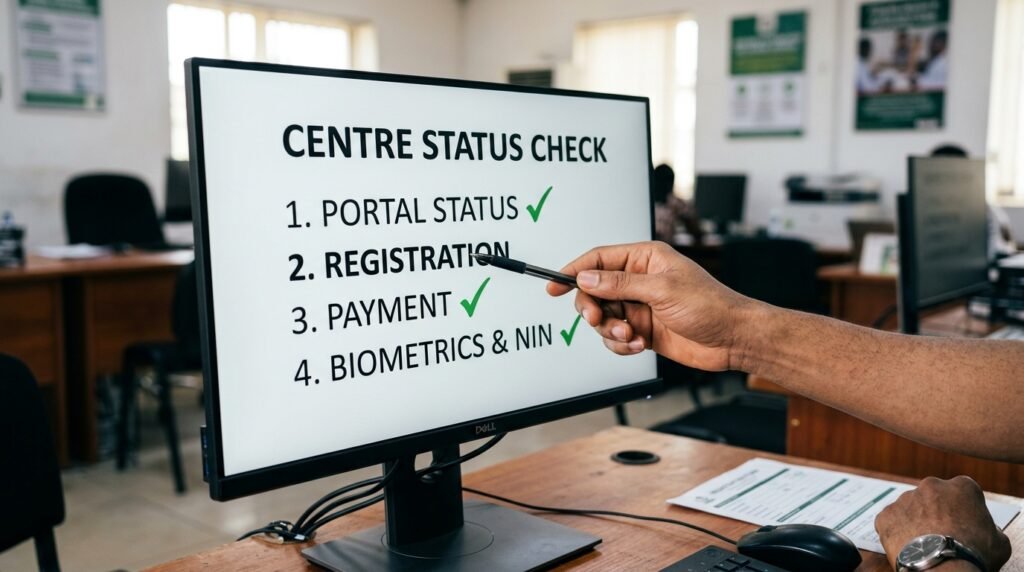
This is the tool that’s missing from most of what’s written on this topic. I’m calling it the Centre Status Check, and it works by testing four conditions against where you actually are in the process.

Condition you’re checkingWhat it looks like if you’re fine (pre-release)What it looks like if something’s actually wrong
Slip portal status for your candidate typePortal hasn’t opened yet, or just opened and is rolling out graduallyPortal has been open for days for your candidate type, others in your batch can see their centres, you still can’t
Registration completionYou completed every step: profile code, e-PIN, biometric capture, subject and town selection, at an accredited CBT centreYou registered at an unaccredited centre, your session was interrupted before biometrics were captured, or you never finished selecting your exam town
Payment statusPayment confirmed and reflected in your profile, e-PIN used successfullyPayment shows as pending, failed, or unconfirmed days after you paid
Biometric and NIN matchFingerprints captured cleanly, your name and details match your NIN exactlyScanner couldn’t read your fingerprint properly, or your bio-data doesn’t match your NIN record

If every row on your side lines up with the “fine” column, you’re in the normal pre-release group. Go print your slip once the portal opens for your type and stop refreshing the page every hour. If even one row lines up with the “wrong” column, you’re dealing with a fault that needs a specific fix, not more waiting.

Why waiting is bad advice in some of these cases

Most JAMB content tells every reader to “just wait for the slip.” That’s correct for the biggest share of candidates, but it’s bad advice for anyone sitting in the second column of that table, because waiting doesn’t fix a registration fault. It just delays the moment you find out, usually until it’s closer to exam day and your options for fixing it have shrunk.

Here’s the mechanism behind why each fault actually blocks centre allocation:

  • Incomplete registration means JAMB’s system has no finished profile to assign a centre to. You can’t get allocated to a venue if the system still sees your registration as in progress.
  • Biometric capture failure matters because no candidate will be permitted to sit the examination if his or her biometrics is not verified, and the Board will not permit or process any examination without biometric verification. A centre assignment built on unverified biometrics is a problem JAMB would rather catch before exam day than during it.
  • NIN mismatch stalls things because your registration is tied to your national identity record. If your name or details on the JAMB profile don’t match your NIN exactly, the system flags that profile rather than pushing it through to allocation.
  • Payment not confirmed means your e-PIN never properly closed the loop, so your registration technically isn’t finished even if you think you completed every screen.

What to actually do, step by step

If your situation falls into the “something’s wrong” column, here’s the order to work through it in. Don’t skip steps to save time, each one rules out a different cause.

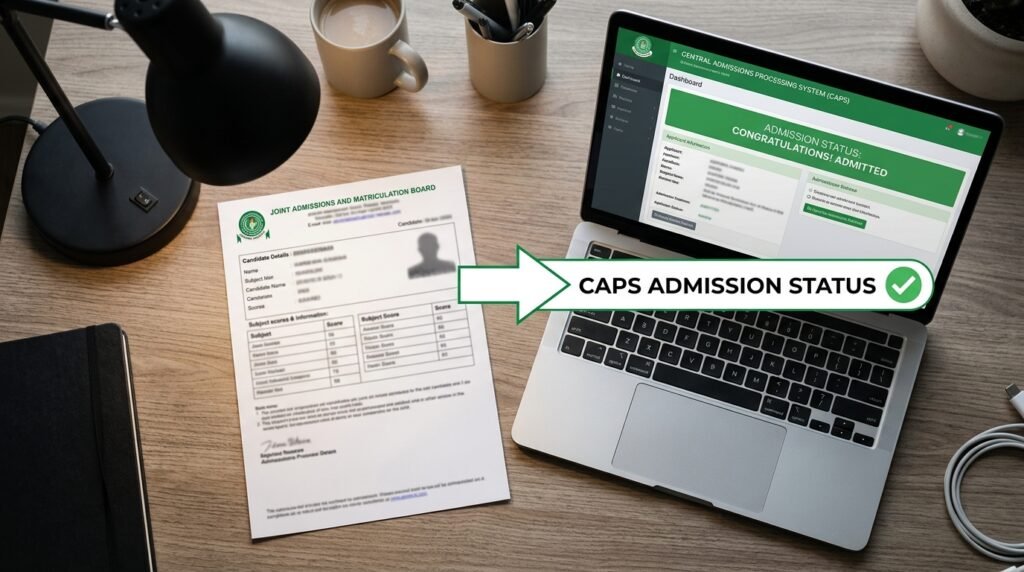
  1. Log in to your JAMB profile (CAPS or e-Facility) and check your registration status directly. Don’t rely on memory of what you think you submitted. Look at whether every section shows as complete.
  2. Confirm your payment went through. Check whether your e-PIN was successfully used during registration, not just purchased.
  3. Visit the accredited CBT centre where you registered, not a cyber café. Avoid cyber cafés or unauthorized centers, as they cannot fix biometric errors. Only an accredited centre or a JAMB office can touch your actual registration data.
  4. Ask the centre staff to check your biometric and NIN status in the system, not just your printed slip. A printed registration slip from months ago tells you nothing about your current status.
  5. If your name, date of birth, or other bio-data doesn’t match your NIN, go to a NIMC enrolment centre first. If the mistake involves a mismatch between your JAMB details and your NIN record, you must visit an approved NIMC enrolment centre to correct the data first, wait for the update to reflect in the NIMC database, then proceed to a JAMB-accredited CBT centre for correction. JAMB can’t fix a NIN-side error from its own end.
  6. If your fingerprints genuinely can’t be read by the scanner, this isn’t treated as a disqualifying problem, it has its own official path. Candidates with biometric abnormality can only register and sit the examination at the JAMB National Headquarters, Abuja on the last day of the national examination calendar, and the Board will facilitate the travel expenses of the candidates concerned. That’s a real, named accommodation, not a workaround someone invented.
  7. Only after all of the above check out clean, wait for the slip portal to open for your type and check again.

Mock, main UTME, and supplementary slips are not the same portal

A mistake I see constantly is candidates checking the wrong portal and assuming their centre is missing. JAMB runs separate slip printing systems depending on what you registered for. Mock candidates print theirs through a dedicated mock slip portal, while supplementary or mop-up candidates use a different link entirely, one that only works for candidates JAMB has officially placed in the supplementary schedule, and if you were not notified by JAMB, you will not be able to access it. If you’re checking the supplementary portal without having been placed there, of course it shows nothing. That’s not a fault, that’s the wrong door.

Before you worry about a blank field, confirm you’re even looking at the correct portal for your candidate type.

Common traps that waste a candidate’s time

A few patterns show up again and again, and they cost candidates real time they could’ve spent fixing the actual problem.

  • Refreshing the same portal for days without checking registration status first. If your registration has a real fault, refreshing changes nothing. Fix the underlying issue, then check the portal.
  • Going to a cyber café to “sort out” a biometric or NIN problem. A cyber café can print a PDF for you. It cannot correct anything in JAMB’s system. Only accredited centres and JAMB offices can do that.
  • Assuming a centre, once shown, can be changed by request. Once JAMB allocates and releases your centre on your slip, candidates generally can’t switch it on personal preference. Plan around the centre you get rather than hoping for a swap.
  • Treating registration day’s printed slip as proof everything’s still fine. That slip only reflects your status at the moment you registered. Biometric or NIN issues can surface later in JAMB’s verification process, even if your day-of-registration slip looked complete.

A quick gut check before you contact anyone

Ask yourself these in order. The first “yes” tells you where you stand.

  • Has slip printing opened for my exact candidate type yet? If no, stop here, you’re fine.
  • Did I complete every registration step at an accredited centre, including biometrics? If no, that’s your starting point.
  • Does my payment show as confirmed in my profile? If no, check that before anything else.
  • Does my name and bio-data match my NIN exactly? If no, NIMC is your first stop, not JAMB.

Work through them in that order and you’ll know within a few minutes which category you’re actually in, instead of guessing for days.

If you’ve gone through every check above and your registration, payment, and biometrics all show as complete, and slip printing has genuinely opened for your candidate type, then go to an accredited CBT centre in person and ask them to pull up your status directly. Don’t keep checking the portal alone for another week. A five-minute conversation with someone who can see your actual profile beats another hundred refreshes of a page that can’t tell you why.

JAMB registration deadline: what the late window actually does (and doesn’t)

I’ve watched JAMB’s registration portal close five times now, and I’m still surprised by how many candidates think a deadline extension means starting over is possible. It isn’t. When I tracked the 2023, 2024, 2025, and 2026 cycles side by side, a clear pattern showed up that most guides skip entirely: JAMB extends some parts of registration far more often than others, and once the main window shuts, certain doors stay open while others lock for good.

This matters more than knowing a single date. If you understand which steps reactivate during a late window and which never do, you stop wasting time chasing rumors and start protecting your shot at the exam.

Key takeaways

  • The 2026 UTME registration window ran from January 26 to February 28, with e-PIN sales cutting off two days earlier, on February 26.
  • Over the last four cycles, JAMB extended the main UTME deadline in 2023 and 2025, but held firm in 2024 and 2026 despite public pressure.
  • Direct Entry deadlines get extended far more often than UTME deadlines, sometimes more than once in a single cycle.
  • A late or extended window almost always reopens e-PIN sales and biometric capture. It does not reopen subject combination changes, institution choices, or the correction-of-data portal, since those run on a separate, later schedule.
  • Missing the final closing date means waiting for the next year’s cycle. There’s no fallback inside the same admission year.

When does JAMB registration actually close

For the 2026 cycle, JAMB opened UTME registration on January 26 and set February 28 as the final closing date, with e-PIN vending shutting down on February 26, two days ahead of the registration cutoff itself. JAMB disclosed that registration for UTME candidates, including those from foreign countries, would run from January 26, 2026, to February 28, 2026, while e-PIN vending would close on February 26.

That two-day gap between the e-PIN cutoff and the registration cutoff trips up more candidates than any other part of the calendar. I’ll get into why later, but the short version is this: buying your e-PIN late and assuming you still have two full days to finish everything is the single most common scheduling mistake I see candidates make.

JAMB held its position. Despite low turnout at registration centers and a public call from the House of Representatives the year before to extend the window, the board said its registration window was strategically scheduled to enable other examination bodies to conduct their own exercises immediately afterward, leaving no room for any extension. The deadline closed exactly as announced.

The historical pattern nobody puts in a table

Most articles tell you this year’s date and stop. What they skip is the pattern underneath it: how often JAMB actually moves the goalposts, and under what kind of pressure. I pulled the announced dates and outcomes across four straight cycles to show what really happens.

UTME cycleOriginal closing dateFinal closing dateWas it extended?Why
2023February 14February 22Yes, by 8 daysJAMB granted the extension to give candidates who faced challenges not of their own making a chance to register.
2024February 26February 26NoThe House of Representatives directed JAMB to reopen the portal for two more weeks, but JAMB did not respond to or act on that directive.
2025March 5 (e-PIN) / March 8 (registration)March 8e-PIN deadline extended, registration deadline unchangedJAMB extended the e-PIN vending deadline after candidates raised concerns about difficulty obtaining PINs before the original cutoff.
2026February 26 (e-PIN) / February 28 (registration)February 28NoJAMB said its calendar is coordinated with other exam bodies, leaving no room for an extension.

A few things jump out once you line these up. First, the 2025 entry is the one detail almost every other guide flattens into “no extension.” It wasn’t quite that simple. JAMB left the registration closing date alone but pushed the e-PIN sales cutoff back from March 5 to March 8, which functionally gave latecomers a few extra days to get into the system, even though the official registration deadline never moved on paper. That’s a real distinction, and it’s the kind of nuance that decides whether a late candidate has a path forward or not.

Second, the 2024 case shows that political pressure alone doesn’t move JAMB anymore. A unanimous resolution from the House of Representatives went nowhere. If a national legislative motion can’t shift the date, a viral WhatsApp message claiming an extension is coming almost certainly can’t either.

Third, Direct Entry runs on its own calendar and gets far looser treatment. In 2024, JAMB extended DE registration twice in one cycle, first from March 28 to April 11, then again to April 25. The extension was the second time JAMB postponed the DE deadline that cycle, after first moving it from March 28 to April 11. The 2026 cycle showed the same habit, with JAMB moving the DE document sales deadline to May 8 to accommodate candidates and adding new registration centers in high-demand areas. JAMB extended the sale of Direct Entry application documents to May 8, 2026, and approved five new registration centres in high-demand areas to ease pressure.

So if you’re asking “will JAMB extend,” the honest answer depends on which form you filed. UTME extensions are the exception now. DE extensions are closer to routine.

What a late or extended window actually reopens

This is the part most coverage gets wrong by treating “extension” as one single switch. It isn’t. JAMB’s registration process runs through distinct gates, and an extension only reopens the gates it specifically names. Here’s how those gates work, based on how the 2023 and 2025 extensions actually played out.

Step 1: Profile code generation. You send your NIN by text to get a profile code. This step has no separate deadline of its own. It stays open as long as the broader registration window is open, so any extension automatically keeps it alive too.

Step 2: e-PIN purchase. This is the gate that closes first, usually one to two days before the final registration cutoff. For 2026, e-PIN vending ran from January 19 to February 26, while registration itself closed on February 28. When JAMB extends a deadline, this is almost always the gate it reopens, since without a valid e-PIN nothing downstream can happen.

Step 3: Biometric capture at a CBT center. A candidate must personally present their profile code and e-PIN at an accredited CBT centre, where their photograph and all ten fingerprints get captured. If e-PIN sales reopen, this step reopens with it, since you can’t have one without the other.

Step 4: Course, institution, and subject selection. This happens during the same CBT center visit as biometric capture, so it follows the same reopened window as Step 3.

What doesn’t reopen, no matter how the registration deadline moves, is the correction-of-data exercise. The correction portal typically opens after the UTME examination itself and remains active for a limited period, usually two to four weeks. That’s a separate process with its own separate calendar, sitting weeks or months after registration closes, not a backdoor into late registration. I’ve seen candidates assume that because corrections are still open, fresh registration must be too. It isn’t. Corrections fix details on a registration that already exists. They can’t create one from nothing.

The mock UTME slot also locks early and independently. The close of mock selection for the 2026 cycle was February 16, well before the main registration deadline of February 28. If you register late, even within an extended window, you’ve likely already missed the mock exam option for that cycle.

The decision tool: the four-gate check

Before you panic about a missed date, or before you wait around hoping for an extension, run through what I call the four-gate check. It’s a simple way to figure out exactly where you stand without guessing.

  1. Gate one, profile code. Do you have a working profile code from your NIN? If not, this is free and instant, so do it immediately regardless of any deadline news.
  2. Gate two, e-PIN. Is e-PIN vending still open as of today’s official JAMB bulletin? If yes, buy it now. If no, stop here. Nothing past this gate is reachable until JAMB issues a fresh public statement reopening sales.
  3. Gate three, CBT center visit. Do you have an e-PIN already and is the registration window (not just the e-PIN window) still listed as open? If yes, go to an accredited center today, since center queues get longer every day closer to the deadline.
  4. Gate four, correction window. Did you already complete registration but found an error afterward? Skip the previous three gates entirely. Wait for JAMB’s separate correction-of-data announcement instead, which comes later and follows its own fee and schedule.

If you fail gate two on a day when JAMB has made no extension announcement, the honest answer is that you wait for the next admission cycle. Don’t spend money or time on anyone offering a workaround, since JAMB’s registrar has been explicit about cracking down on irregular registration practices and exam malpractice tied to late registration claims.

Why JAMB resists extensions now more than it used to

The shift between the freer extension culture of 2023 and the firm stance of 2024 and 2026 isn’t random. JAMB has repeatedly tied its refusal to extend to a chain reaction across the wider exam calendar. The board said its registration window is strategically scheduled to enable other examination bodies to conduct their own exercises immediately afterward, leaving no room for any extension. Push UTME back, and you push the mock exam, the main exam, post-UTME screening, and the admissions policy meeting back with it. None of those steps live in isolation.

There’s also a behavioral angle JAMB has called out directly. The board observed a recurring pattern where candidates deliberately delay registration until the final days and then agitate for an extension, and said this would not be entertained in 2026. Once a board states that publicly, reversing course costs it credibility for every future cycle. That’s part of why 2024 and 2026 held firm even under pressure that, on paper, looked stronger than what triggered the 2023 extension.

None of this means an extension can never happen again. The 2025 e-PIN extension proves the door isn’t permanently shut, especially when the problem is on JAMB’s side (PIN supply, system outages) rather than candidate procrastination. But the pattern across four cycles points one direction: extensions tied to candidate-side complaints (low turnout, last-minute rushes, economic hardship) get refused. Extensions tied to JAMB-side technical failures get granted, and usually only for the narrow gate that actually failed.

Common mistakes that cost a whole year

I want to be specific about how candidates actually lose their shot, because “register early” alone doesn’t explain the mechanism.

  • Buying the e-PIN on the last day it’s sold. Since e-PIN sales close before the registration window itself, a same-day purchase leaves no buffer for payment failures, bank downtime, or a wrong profile code. When e-PIN vending ends, banks stop selling the code and online payment platforms deactivate purchase options entirely. There’s no grace period for a transaction that was still processing at midnight.
  • Confusing the correction window with a second registration chance. As covered above, corrections fix existing records. They have no power to register a candidate who never registered at all.
  • Waiting on social media rumors instead of the official bulletin. JAMB’s own messaging draws a hard line here: there will be no reopening of the portal or grace period once the deadline passes, under any circumstances, according to the board’s repeated statements. A rumor that contradicts the most recent official bulletin is wrong by default until JAMB itself says otherwise.
  • Assuming DE rules apply to UTME, or the reverse. Since DE extensions happen far more often, candidates sometimes assume UTME will follow the same pattern. The 2024 and 2026 cycles show that assumption fails more often than it holds.

What to do if you’re reading this after the deadline already passed

If the registration window has fully closed and JAMB hasn’t issued a fresh extension notice, your realistic options are limited to two things. Wait for the next year’s cycle, since candidates who fail to complete registration before the closing date become ineligible to sit for that year’s UTME. Or, if you’re a Direct Entry candidate specifically, check whether the DE window is still open, since it runs on a separate and later calendar that’s historically been extended more freely than UTME.

Check JAMB’s official weekly bulletin and its verified social accounts before accepting any claim that the window has reopened. Every extension across the last four cycles, in 2023 and again in 2025, was announced through JAMB’s own statement, not through a registration center, tutorial center, or unofficial source. If you hear about a reopening anywhere else first, treat it as unconfirmed until JAMB’s own channel repeats it.

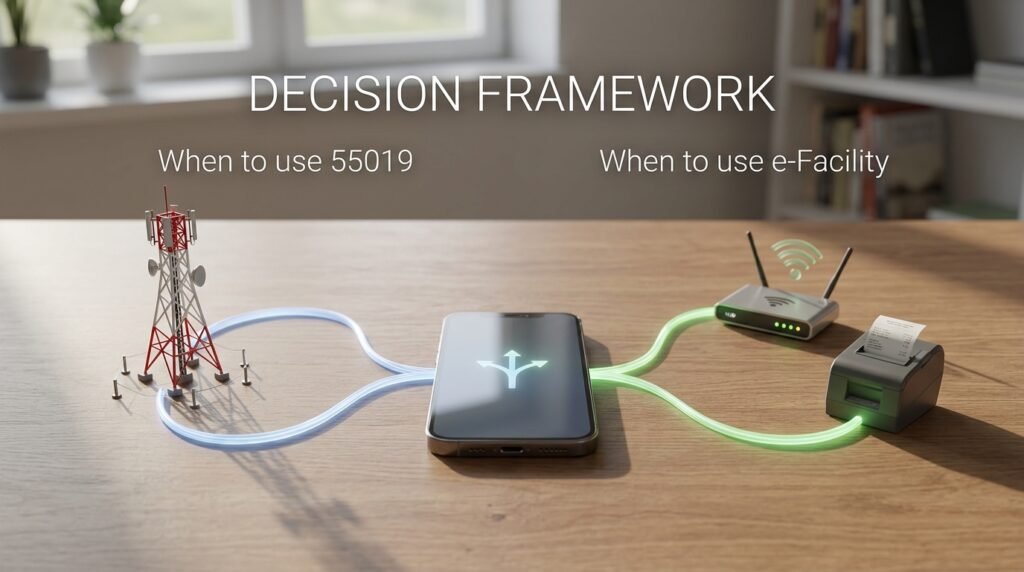
I Texted 55019 for My JAMB Score and Immediately Hit a Wall Nobody Warned Me About

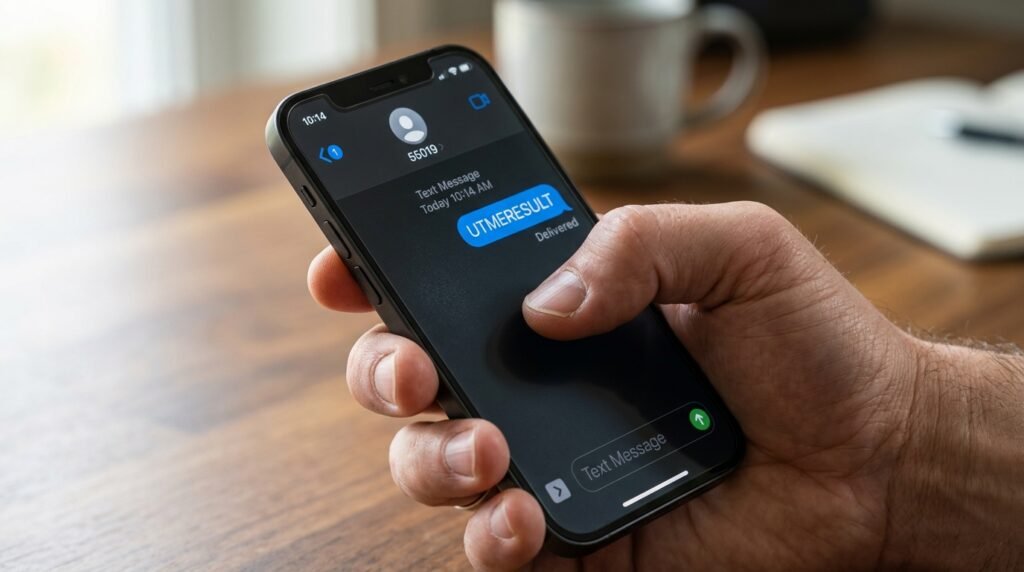
I sent “UTMERESULT” to 55019 from my phone. Got a reply within two minutes. It showed a score and some subject lines.

Then I tried to do something with that score. Print it. Submit it to a school. Use it for anything beyond knowing a number.

That’s where the SMS method stops working. And almost every guide online skips that part entirely, because they treat sending the text and checking the result as if they’re the same thing. They’re not.

Here’s what the 55019 service actually does, where it genuinely helps, and the specific moments it will leave you stuck.


What the 55019 SMS Service Actually Does

To use the service, open your phone’s SMS app and type UTMERESULT (no space, all caps) and send it to 55019 or 66019. The number you send from must be the exact SIM you used when you created your JAMB profile during registration.

That last part is the non-negotiable one. Not your current number. Not a replacement SIM. The registered one.

Once sent, a service charge of ₦50 airtime is deducted from your balance. Within minutes, depending on time and network, you receive your JAMB score via SMS.

The format you receive it in reads something like: “Dear Mr/Miss [Name], your result is as follows…” followed by your score.

What exactly follows those words? That’s where it gets thinner than most guides admit.


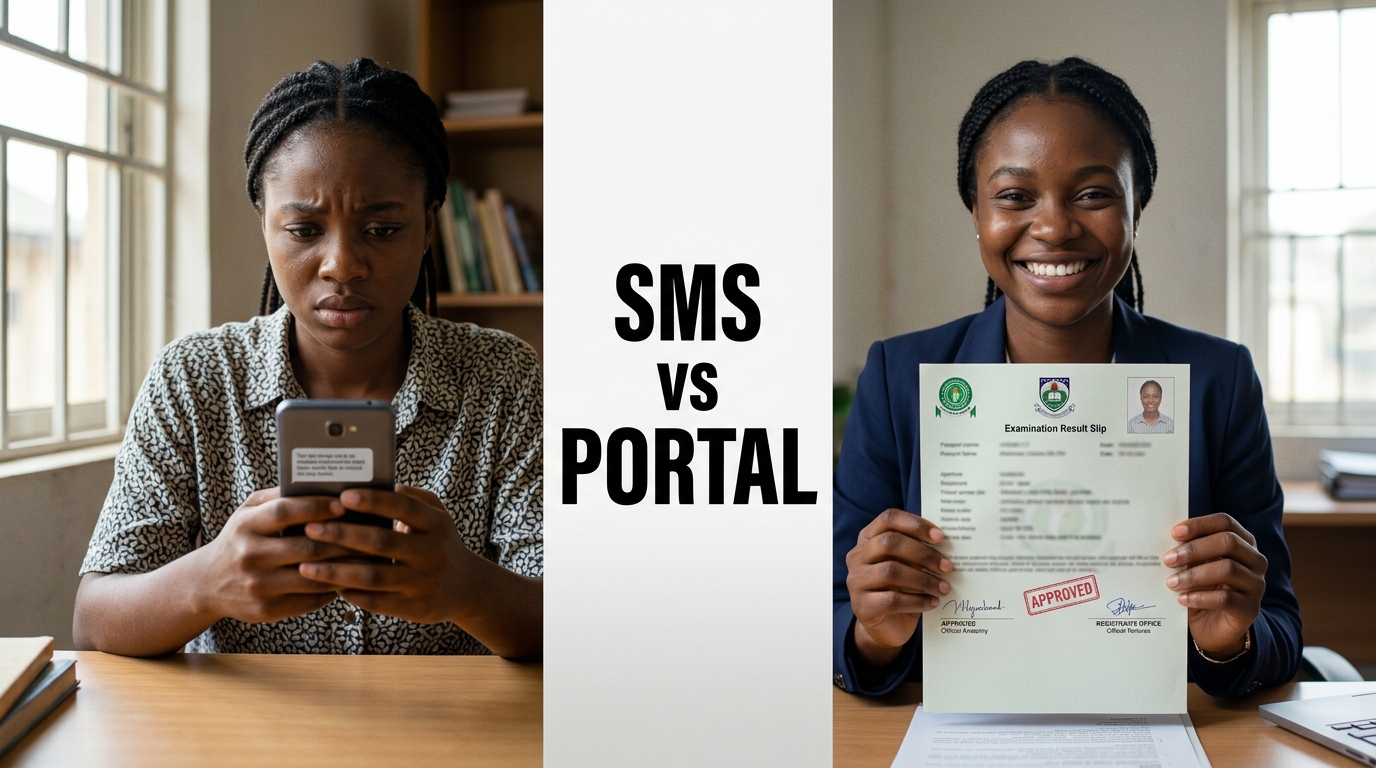
The Data Gap: SMS vs. Portal, Side by Side

This comparison is what no one lays out clearly.

What you want to knowSMS (55019)e-Facility Portal
Total aggregate scoreYesYes
Individual subject scoresPartial (listed in reply)Yes, in full
Passport photographNoYes (on result slip)
JAMB registration detailsNoYes (on result slip)
Admission status (CAPS)NoYes
Printable official result slipNoYes (after paying ₦1,500)
Accepted by institutionsNoYes

The SMS is not accepted by institutions. The original result slip is the only document that counts.

The original result slip carries your passport photograph, your score in each subject, your total out of 400, and your JAMB registration details, all officially stamped by the board.

So the SMS gives you a number to calm your nerves. The portal gives you a document to start your life.


The Number-Matching Requirement Is Stricter Than It Sounds

Here’s what trips people up constantly.

The message must go from the exact number used during registration. Not a similar line, not a new SIM. The same one.

If you used a line that has since been barred, deactivated by your network provider, or swapped out for a new SIM after number porting, the service returns a specific rejection. If a candidate uses a phone number that was not used to register, the message received reads: “This phone number was not used for registration.”

You still pay the ₦50.

If you have lost the phone number or SIM and do not mind the stress of going through the SIM retrieval process, you can go ahead to retrieve the line and then use it to send the message. SIM retrieval through a network provider typically requires proof of ownership as mandated by Nigerian Communications Commission (NCC) guidelines and takes anywhere from a few hours to several days. No guide mentions this delay, but it matters if results are released in batches and your exam date’s batch goes live while you’re still waiting at the Airtel or MTN office.

Also worth noting: the format must be exactly UTMERESULT in capital letters, spelled correctly with no space between UTME and RESULT. Writing “UTMERESULTS” (with an S) will not work. The system is case-sensitive and spelling-sensitive. Every ₦50 you spend on a wrongly formatted text is gone.


Every Reply the System Sends and What It Actually Means

If successful, you get a message reading “Dear Miss X, your result is as follows…” with your subject scores. If something is wrong, you receive one of these instead: “Result Withheld” means the result has been held back. “This phone number was not used for registration” means the sending SIM is not linked to any candidate. “Result withheld pending required clarifications/documents” means additional verification is needed before release. “CANDIDATE ABSENT” means you did not sit for the examination. “Invalid Entrance into the Exam Hall” means you were not authorised to enter the hall.

Two of these, “Result Withheld” and “Result withheld pending…documents,” look identical on the surface but mean different things in practice. The first is typically connected to suspected malpractice during or after the exam. The second is specifically about missing documentation JAMB requested from you. The portal will sometimes show you more detail on which of these applies; the SMS just gives you the phrase.

That’s a concrete case where the SMS reply actively gives you less information than you need to take the next step.


When the SMS Succeeds and the Portal Still Shows Nothing

This happens. It’s a sequencing issue.

According to JAMB’s registrar, Professor Ishaq Oloyede, results are usually checked through the USSD codes 55019 or 66019 initially, and later released on the board’s website for printing.

Read that carefully. SMS access comes first. Portal printing comes later. The gap between those two events can be days or weeks.

Until printing was announced on May 18, 2026 (as confirmed by JAMB spokesperson Dr. Fabian Benjamin), candidates could only check their score via SMS. The result slip had not been available for printing before that point.

So if you check via SMS and then immediately head to the portal expecting to print a slip, you’ll hit a page that says your result isn’t available yet. That’s not a technical error. That’s intentional sequencing by JAMB. The SMS window and the portal window are not the same window.


The One Case Where SMS Wins Outright

A dual-SIM Android user with no data plan at 11 PM. Results just released. Portal is hammered by 1.8 million candidates simultaneously.

SMS checking does not need an internet connection and is compatible with either a keypad phone or a smartphone. You just need a phone, the registered number used in generating your profile code, and a minimum of ₦50 airtime.

The portal tends to get congested, especially in the first few days after results drop. Early morning or late night often works better for the portal, but if you’re checking from a rural area with poor data coverage and a basic handset, the SMS route is genuinely the only practical option that moment.

That said, the score you get is the same number you’d see on the portal. You’re just seeing it earlier and on a cheaper device. You’re not getting more data. You’re getting less.


What You Cannot Do Through SMS, Ever

A clean list, because this is where candidates waste time expecting the channel to do something it structurally cannot:

  • You cannot view your individual subject breakdowns with the same formatting the portal shows
  • You cannot check your CAPS (Central Admissions Processing System) status or see what institution has offered you admission
  • You cannot retrieve your registration number through the standard UTMERESULT text (you’d need to send “RETRIEVE” instead, which is a separate SMS entirely)
  • You cannot access any correction-of-data services
  • You cannot print anything

For admission purposes, schools usually require the printed result slip, not just the SMS result. That slip, from the portal, shows your passport photograph and full subject breakdown. The SMS text on your phone screen shows neither.


The Practical Decision Framework

Use this to decide which channel to use at which moment.

Send the SMS to 55019 if:

  • Results were just released and you know the portal is slow or down
  • You have no internet access or no data balance
  • You’re on a basic keypad phone
  • You just want to know your aggregate quickly before doing anything else
  • You have your registered SIM active and in the phone you’re using

Go directly to the portal (efacility.jamb.gov.ng) if:

  • You need to verify individual subject scores with precision
  • You need to check your admission status on CAPS
  • The result has been out for more than a few days and printing is now active
  • Your registered SIM is lost, deactivated, or in a different city from where you are right now
  • You want to do anything official with the result

If your registered SIM is gone and you cannot retrieve it, skip the SMS entirely. Go to the portal with your email and registration number. For online checking, you need your email and password. For SMS, you need to send from your registered phone number. No registration number is required in the message itself. That means the portal actually asks less of you in terms of SIM access, as long as you remember your login credentials.

Print at least two copies of the result slip once printing opens. Every university, polytechnic, and college of education you interact with during the admission cycle will ask for this document. The ₦50 SMS and the ₦1,500 printing fee are solving different problems entirely. Treat them that way.

JAMB registration channels: self-service vs accredited CBT centre, compared step by step

I sat in a CBT centre in Garki last registration season and watched a young woman discover, two screens before the end, that her NIN had a date of birth mismatch nobody had caught. The centre staff couldn’t fix it. She had to leave, sort it with NIMC, and come back. That moment is the whole reason this comparison exists. Most guides tell you registration happens at a centre. They don’t tell you what happens when something goes wrong inside that centre, or who is actually touching your data while you sit there.

So let’s set the record straight first, because there’s real confusion floating around: there is no option to register for JAMB from your phone or laptop at home. Every candidate, no exceptions, must show up in person at a JAMB-recognised location. What does change is which kind of location and how much control you have once you’re there. That’s the real choice, and it’s the one nobody breaks down properly.

Key takeaways

  • JAMB has no remote, do-it-from-home registration. Every candidate registers in person, full stop.
  • The real choice is between a regular accredited CBT centre (where centre staff drive the keyboard) and the self-service option at JAMB state offices and Professional Registration Centres, PRCs (where you operate the system yourself under supervision).
  • Biometric capture, all ten fingerprints plus your photo, happens on-site either way. JAMB does not accept biometrics taken anywhere else, with one narrow exception for biometric abnormality cases.
  • Self-service gives you direct control over data entry, which lowers typing-error risk, but it demands that you’re genuinely comfortable with a computer, since there’s no operator doing it for you.
  • Group or school-based registration is banned everywhere. If your school tries to register an entire class as one block exercise, that’s against JAMB’s own rules.
  • Errors after submission go through JAMB correction channels, not a redo. You don’t get a second form just because the first one has a mistake.

What “self-service” actually means at JAMB

Here’s where a lot of blog posts get sloppy. They throw around the phrase “self-registration” like JAMB just opened up a website where you fill your own form from your bedroom. That’s not what’s happening.

The self-service option is a setup inside JAMB’s own state offices and accredited Professional Registration Centres. You go there in person, same as anyone else. The difference is that, once you’re seated, you operate the computer system yourself instead of dictating your information to a centre staff member who types for you. JAMB describes this option as available specifically for computer-literate candidates. If you’re not confident using a mouse, navigating dropdown menus, and reading instructions on screen without help, this isn’t the lane for you, and that’s fine. The regular CBT centre route exists for exactly that reason.

Think of it less as “online registration” and more as “supervised, self-operated registration at a government location,” compared with “staff-operated registration at a licensed private centre.” Both still require your physical presence. Both still capture your fingerprints on-site. The gap is in who’s holding the mouse and reading the screen for you.

The side-by-side comparison: control, fees, biometrics, and error handling

This is the part most articles skip entirely. They’ll tell you both options exist, then move straight to “here’s how to register,” without ever laying out what actually differs once you’re in the chair. Below is a direct comparison across the four things that matter most when you’re deciding.

FactorAccredited CBT centre (regular route)Self-service at JAMB office / PRC
Who enters your dataCentre staff member types on your behalf, reading your details aloud or from your documentsYou type and navigate the system yourself, with staff present mainly to assist, not to operate
Location typeLicensed private cybercafé, school, or business centre approved by JAMBJAMB state or zonal office, or an accredited Professional Registration Centre
Skill level neededNone. Centre staff handle the technical sideReasonable comfort with computers, since you confirm and submit your own entries
Biometric captureOn-site, all ten fingerprints plus photograph, same as every channelOn-site, same standard, no difference in this step
Fee structureSame JAMB e-PIN price nationwide, but centres may add a local service charge (this is where overcharging complaints usually come from)Same JAMB e-PIN price; being at a government office removes the layer of a private centre’s added service charge
Error recovery during entryYou catch mistakes by listening carefully and asking the operator to re-read the screen before you confirm with your fingerprintYou see every field yourself in real time, which generally makes it easier to catch a wrong spelling or digit before final submission
Error recovery after submissionGoes through JAMB’s official correction process; the centre that made the error cannot just “redo” it for youSame correction process applies; self-entry doesn’t bypass JAMB’s rules on corrections
Risk of human error from a third partyHigher, since someone else is interpreting and typing your informationLower for typing slips, but you now carry full responsibility, since there’s no one to blame for a missed field
Best suited forCandidates who want guided support, or who aren’t confident with computersCandidates who are computer-literate and want direct control over what gets typed

A few of these rows deserve more than a table cell, so let’s go through the ones that actually decide your choice.

Control over data entry: the detail that causes most registration regrets

If you’ve heard stories of candidates whose name got spelled wrong, or whose date of birth ended up transposed, this is almost always a data entry issue, not a system glitch. At a regular CBT centre, you’re relying on a staff member to correctly hear, read, and type your details. Busy season means rushed staff, and rushed staff means typos.

JAMB’s own guidance is blunt about this: candidates are told to crosscheck their details before confirming with their fingerprint, because fingerprint authentication locks in the record and removes the centre from blame afterward. That single sentence tells you everything about where responsibility sits. Once you press your finger to confirm, the centre’s job is done, mistake or not.

Self-service shifts that risk earlier in the process. You’re the one reading the screen and typing the fields, so a typo is something you caused and can catch yourself, rather than something someone else caused that you’re trusting to notice. I’d lean toward self-service for anyone who’s even mildly tech-comfortable, purely because it cuts out a middleman who has no personal stake in getting your birthdate right.

Fee structure: where the real cost difference hides

The JAMB e-PIN itself costs the same no matter where you register. For the current cycle, the published categories are Direct Entry at five thousand seven hundred naira, UTME without the mock exam at seven thousand two hundred naira, and UTME with the mock exam at eight thousand seven hundred naira. That breakdown covers the JAMB application fee, the reading text fee, CBT centre registration and service charges, and bank charges, with the mock exam adding its own centre charge if you opt in.

Here’s the part that doesn’t show up in the e-PIN price: private CBT centres sometimes add their own “assistance” or “service” charge on top of what JAMB has already built into the e-PIN cost. JAMB has repeatedly warned centre operators against charging above approved rates and has stated that centres found doing this risk losing accreditation. That warning exists because it keeps happening. At a JAMB state office or PRC, you’re dealing directly with the Board’s own location, so there’s no private business layered in between you and the fee structure trying to add a markup.

If you’ve ever wondered why two candidates paid different total amounts for what should be an identical registration, this is usually why. Ask any centre upfront, in plain terms, whether they charge anything beyond the e-PIN price, before you sit down.

Biometric capture: the one thing that never changes

No matter which channel you pick, your photograph and all ten fingerprints get captured physically, on-site, at the point of registration. There is no version of this process where biometrics happen somewhere else, get uploaded, or get skipped. JAMB ties your final registration slip printing directly to a successful fingerprint scan, which is what’s meant by biometric authentication confirming your registration.

There’s exactly one exception, and it’s narrow: candidates with a genuine biometric abnormality, meaning the scanner can’t read their fingerprints no matter what, are routed to register and sit the exam at JAMB’s National Headquarters in Abuja, on the final day of the exam calendar. JAMB states it covers travel costs for those candidates. This isn’t a workaround anyone should try to claim casually. It’s reserved for cases where the scanner genuinely cannot capture a usable print, and centre staff or JAMB officials make that call, not the candidate.

So biometrics aren’t a point of comparison between the two channels. They’re identical. What differs is everything around them, not the fingerprint step itself.

What happens when an error occurs: the part nobody explains clearly

This is the gap that matters most, and it’s the one almost every other guide leaves out entirely. People assume that if something goes wrong, you just register again. JAMB explicitly says no. Candidates aren’t permitted to register more than once, and if an error happens, you go through the Board’s correction process rather than buying a fresh application document.

Practically, that means:

  • A typo in your name, date of birth, or other biodata gets fixed through JAMB’s designated correction channels linked to its e-Facility portal, not by walking back into the centre and asking them to “just change it.”
  • If the mistake stemmed from a biodata mismatch with your National Identification Number records, JAMB has stated it relies solely on NIMC data and won’t accept corrections sourced anywhere else. You’d need to fix it at NIMC first, then let that flow through to your JAMB profile.
  • Subject or institution choice errors typically go through a separate change-of-course or change-of-institution procedure that JAMB opens at specific points in the admission cycle, not on demand.
  • A lost profile code or e-PIN has its own SMS-based recovery process: sending the word RESEND to JAMB’s registered short codes for profile codes, or a separate retrieval code for a missing e-PIN.

The reason this matters for your channel choice: at a regular CBT centre, an error means the centre’s part in the story ends the moment you confirm with your fingerprint. They cannot reopen your submitted record. At self-service, you’ve already cut out one layer of risk by typing things yourself, but you still face the exact same correction process if something slips through. Neither channel offers a shortcut around JAMB’s correction system. The only real lever you have is catching mistakes before you press your fingerprint to confirm, which is precisely why the data entry control point above matters so much.

The channel decision checklist

Use this short, practical checklist to land on the right channel for your situation. Answer each line honestly. If you tick more boxes under one column, that’s your answer.

Pick a regular accredited CBT centre if:

  • You’re not confident navigating a computer screen without guidance
  • You’d rather have someone else handle the technical side while you focus on giving correct verbal information
  • The nearest JAMB state office or PRC is much farther from you than a licensed local centre
  • You want the option of asking questions out loud as you go

Pick self-service at a JAMB office or PRC if:

  • You use computers regularly and feel at ease with forms, dropdowns, and on-screen instructions
  • You want to personally verify every field before it gets submitted
  • You’re wary of private centres adding charges above the official e-PIN price
  • A JAMB state office or accredited PRC is reasonably accessible from where you live

Either way, do this before you sit down, no matter which channel you pick:

  • Confirm your NIN details match your other documents exactly (name spelling, date of birth) before you even generate your profile code
  • Bring your profile code and e-PIN written down, not just remembered, in case your phone has no signal at the venue
  • Ask, in plain words, whether the centre charges anything beyond the standard e-PIN price
  • Read every field on screen slowly before you confirm with your fingerprint, since that confirmation is final

Common mistakes that trip candidates up on registration day

A few patterns repeat every single cycle, and they’re avoidable once you know to watch for them.

Trusting a phone number you don’t fully control is one. JAMB requires a unique phone number per candidate, and that number becomes your permanent identifier for SMS-based recovery and communication. Siblings sharing one SIM, or using a parent’s number “just for now,” causes real headaches later when that number gets reassigned or the SIM gets lost.

Assuming group registration through your school is allowed is another. It isn’t. JAMB has stated plainly that group or school-based registration is not permitted, and candidates have regretted attempting it. If your school organizes a “registration day” where they handle it en masse without individual presence and fingerprint confirmation from each student, that’s outside JAMB’s rules.

Skipping the NIN cross-check before generating a profile code is the costliest one, and it’s exactly what happened to the candidate I mentioned earlier. If your NIN record has a name or birthdate that doesn’t match your other documents, fix it with NIMC first. JAMB has been explicit that it pulls biodata from NIMC and won’t entertain corrections sourced elsewhere, so this isn’t a step you can negotiate around after the fact.

Rushing the final fingerprint confirmation rounds out the list. That single action transfers responsibility for accuracy from the centre to you. Read the screen one more time before you press your finger down.

Direct Entry candidates get a different rule entirely

If you’re applying through Direct Entry rather than UTME, this changes things further. JAMB has stated that DE registration is carried out exclusively at JAMB’s State and Zonal Offices, not at regular private CBT centres at all. That means the self-service versus centre comparison above mostly applies to UTME candidates. DE applicants are funneled into the state and zonal office channel by default, which is effectively the same physical setting as the self-service option, just under a different registration category with its own document requirements, including your previous institution’s registration number, course details, and graduation year.

If you’re a DE candidate reading this hoping a private centre near you can register you, check the current guidance for your cycle directly through JAMB’s portal before you make a trip, since this is a rule that has been enforced strictly.

A quick troubleshooting guide for the registration day itself

Things go sideways even when you’ve prepared well, so here’s what to do in the moment.

If the scanner won’t read your fingerprint after several attempts, don’t keep forcing it repeatedly. Tell the centre staff or office attendant immediately. Repeated failed attempts can flag your record for review, and you want a human aware of the issue rather than discovering it later when your slip won’t print.

If you spot an error on screen before confirming, stop and ask for a correction right there. This is the cheapest moment to fix anything, since it costs nothing and takes seconds. Once you’ve confirmed with your fingerprint, the same fix becomes a formal correction request through JAMB’s portal, which takes time and isn’t guaranteed to happen instantly.

If your phone isn’t receiving the e-PIN text message, check that you’re using the exact phone number tied to your profile code, since JAMB ties messages to that specific number only. A different SIM, even your own backup line, won’t receive it.

If the centre asks for payment beyond the official e-PIN amount with no clear explanation, ask what the extra charge specifically covers. JAMB’s own guidance warns against unauthorized charges, and centres risk losing accreditation for this, so a straight question often resolves it on the spot.

Walk into your registration day knowing exactly which channel fits how you work, and you’ll spend less time worrying about the system and more time double-checking the one thing that actually decides your outcome: getting your own details right before that fingerprint goes down.

JAMB Result Withheld: The Documented Reasons and the Exact Steps to Get It Released

I’ve watched this play out too many times, a candidate texts UTMERESULT to 55019, refreshes the portal, and instead of a score, gets back the words Result Withheld. Panic sets in. Phones start blowing up. Someone in a WhatsApp group claims they know a man who can fix it for ₦20,000.

Stop. Breathe. Here’s what’s actually happening and what you can realistically do about it.

“Withheld” and “Under Investigation” Are Not the Same Thing

Most guides treat these as interchangeable. They’re not, and the distinction matters because your next move depends on which one you’re dealing with.

Result Withheld typically signals suspected exam malpractice. It may not be released at all, pending investigation.

Result withheld pending clarifications/documents is a different message entirely, meaning JAMB needs something from you specifically before they can release it.

A third message, “We are holding your result pending the upload of clarifications/documents required from you,” is the clearest prompt to act on the portal immediately.

If your SMS or portal shows the first type (a flat “Result Withheld” with no further instruction), JAMB’s investigation team has flagged your session and the review is on their end. You can’t submit a document to fix it. You wait, then follow up through official channels.

If your message mentions documents or clarifications, that’s your cue to log into the official JAMB e-Facility portal right now.


The Classification You Actually Need: Four Documented Triggers

Here’s what no generic article gives you. JAMB doesn’t withhold results randomly. There are specific, documented categories, and each one has a different resolution path.

Suspected Malpractice (Behavioural Flag)

If your CBT supervisor flagged any irregular behavior during your session, that report goes directly to JAMB’s investigation team. This includes suspicious movement, attempting to communicate with other candidates, using unauthorized materials, or anything the center’s AI proctoring system flagged as unusual. You don’t have to be caught red-handed; a flag is enough to trigger a hold while footage is reviewed.

JAMB’s primary tool for clearing innocent candidates is CCTV footage from accredited centers. If you did nothing wrong, the footage will show it.

What you can do: Nothing digital fixes this. The review happens on JAMB’s side. Visit the nearest JAMB state office with your registration details, your exam confirmation slip, and a valid ID. You can also raise a complaint through the JAMB helpdesk ticketing system at the e-Facility portal. Go in person, be specific about your exam date and centre, and ask them to note your concern formally.

Biometric Mismatch or Fingerprint Rejection

Every candidate’s fingerprints are captured during JAMB registration and again during the exam. If your fingerprints didn’t match properly on exam day, whether due to a registration error, a technical glitch at the verification point, or an inconsistency in the system, your result may be held for additional identity verification. This can happen to completely innocent candidates. It is a system issue, not an accusation.

In 2025, 2,157 candidates had fingerprint rejection issues, and 3,656 were tied to centers that registered candidates with multiple fingerprints.

This one is not your fault and resolves faster than malpractice cases. JAMB confirms your identity through the biometric data they already hold, then clears the hold. A state office visit speeds things up by putting a human being on your file.

Flagged or Banned CBT Centre

In 2024, 57,056 withheld results were tied to 18 flagged CBT centers. In 2025, four CBT centers were fully delisted. If your centre was among them, your result got caught in a batch hold that has nothing to do with your personal conduct.

JAMB confirmed that where infractions are discovered after the examination, results may be withheld or withdrawn. The painful reality here is that even a clean, honest candidate who sat in a compromised centre gets swept into the hold. The investigation runs at the centre level first, then individual results are separated out.

What you can do: This resolves on JAMB’s timeline, but you can accelerate your file by visiting the state office and making a formal note that you were unaware of any issue at your centre.

Pending Document Upload or Data Discrepancy

This category includes candidates who may have belonged to a group being given the benefit of the doubt, with the message reading: “Result withheld pending the upload of clarifications/documents required from you.”

Log into efacility.jamb.gov.ng. Check your dashboard for any notification or pending action. If something is waiting for your input, submit it immediately. This is the one category where sitting at home and waiting actually costs you time.


The Action Map: Who Does What

TriggerWho ActsWhere
Behavioural malpractice flagJAMB (you follow up)Visit state office; raise helpdesk ticket on e-Facility
Biometric/fingerprint mismatchJAMB (you can prompt)State office visit speeds up resolution
Flagged CBT centreJAMBState office visit to formally note your case
Document/clarification pendingYouefacility.jamb.gov.ng dashboard

The Exact Steps If Your Result Is Withheld

First, check the precise wording of your SMS or portal message. Screenshot it. The wording tells you which category you’re in.

Second, do not pay anyone. The moment word gets out that your result is withheld, someone will approach you or someone you know claiming they can get it released for a fee. There is no backdoor. Paying them costs money and puts you at additional risk. This is one of those cases where the scammers are faster than the news, so expect the approach within hours of results day.

Third, log into efacility.jamb.gov.ng and check your dashboard for any pending action or document request. Do this before anything else, even before calling anyone.

Fourth, if no action is pending on the portal, contact JAMB through the official support lines at 08166335513 or 08123658955, or submit a ticket at jamb.gov.ng/support.

Fifth, visit your nearest JAMB state office in person. Bring your JAMB registration number, your exam confirmation slip, and a valid national ID. Ask to speak to someone at the SERVICOM desk. Log your name, your registration number, your exam date, and your centre. This creates a paper trail that can matter if resolution drags past the initial batch releases.


What “Under Investigation” Actually Means for Your Timeline

JAMB usually wraps up investigations within two to four weeks after the full exam cycle ends. Permanent cancellation only happens when JAMB finds hard, verifiable evidence of malpractice.

There are three possible outcomes from the review: Release (investigations confirm you are innocent), Correction (an error is found on JAMB’s side and fixed), or Cancellation (hard evidence of malpractice is confirmed). Cancellation is the least common outcome.

Most withheld results that start under review are eventually released after the investigation concludes. The process takes time, but innocent candidates do get their results. That’s not a guarantee, but it’s the documented pattern across 2024 and 2025.


The Underage Result Hold: A Separate Category Entirely

For 2026, JAMB confirmed that underage candidates, specifically those who will not be 16 years old by September 30, 2026, are seeing “No Result Yet” rather than a released score. These candidates are not automatically disqualified. Those who score 320 and above will be shortlisted for further screening.

JAMB’s FAQ states that exceptional students below 16 can be considered for admission provided they score 80% in the UTME, SSCE, and Post-UTME. If this applies to you, the path forward is waiting for JAMB’s screening notification, not submitting documents or visiting a state office.


The Advice That Keeps Failing Candidates

Here’s the popular guidance that doesn’t actually work in practice.

“Just wait and it’ll resolve itself.” Sometimes it does. But sitting passively while your file sits in a queue of tens of thousands is not a strategy. The candidates who get resolution faster are typically the ones who registered a formal complaint through the helpdesk and followed up at the state office. Your case needs a human being to notice it.

“Check the portal every day and you’ll see an update.” True, you should check the portal. But batch releases happen silently, with no SMS or email notification in many cases. Combine portal checks with a formal complaint so your case isn’t purely passive.

“The withheld result means you definitely cheated.” In 2024, out of 64,624 withheld results, only 78 cases were direct exam misconduct. The vast majority, over 57,000, were tied to 18 flagged CBT centers, with no personal fault attached to those candidates. Most people in a withheld result situation did nothing wrong. The flag is not a verdict.


Your clearest move right now: check your portal, screenshot the exact message, and if no document upload is pending, head to the JAMB state office nearest to you this week with your exam confirmation slip and a valid ID. Don’t wait for two weeks hoping the batch clears. Put your name on a formal record and follow up.

JAMB Result Not Showing? Here’s How to Know If You Should Wait or Act Right Now

I’ve watched too many candidates waste days refreshing a portal when their result was never coming, and others panic-visit a JAMB office over something that resolved on its own within 24 hours. The difference almost always comes down to one thing: knowing which of two completely separate situations you’re actually in.

“Keep checking” is not advice. It’s a way to avoid giving you a real answer.

The Situation Most People Are Actually In

The Joint Admissions and Matriculation Board (JAMB) releases results within 48 hours after CBT exams. But here’s what nobody explains: they don’t release all results in one batch. JAMB Registrar Prof. Is-haq Oloyede confirmed that results are processed and released in batches, with the first wave going out within 48 hours of the last paper. If you sat on a later exam date, your batch comes later. A blank result on day one does not mean anything is wrong.

The message “Result Not Available” usually means your session’s batch has not been released yet, and JAMB has been releasing results daily since the exam period.

So before you do anything else, confirm the actual batch release date for your specific exam day. Don’t compare with a friend who sat two days before you. Their batch and your batch are different things.

The Diagnostic: One Table That Tells You Where You Stand

This is the check most guides skip. Run through it before doing anything.

What you see on the portalWhat it meansWhat to do
“Result Not Available”Your exam batch hasn’t been released yetWait up to 72 hours from your own exam date, then check again
Blank page / login works but no result shownBatch delay or profile data issueTry the SMS method as a cross-check first
“Result Withheld”JAMB has flagged your result for reviewLog in to e-Facility immediately and check for a document request
“Candidate Absent”JAMB’s system shows you did not sit the examPhysical visit to a JAMB state office with your exam slip and valid ID
“Invalid Entrance into the Exam Hall”An unauthorised entry incident was logged at your centreVisit a JAMB state office with all your documents
“We are holding your result pending the upload of clarifications/documents”JAMB needs paperwork from youUpload the requested documents via your e-Facility portal right away
You can log in, see your profile, but no score appearsPossible batch delay or minor account mismatchCross-check via SMS before visiting any office

The SMS check is your fastest independent signal. Text “UTMERESULT” to 55019 or 66019 using the same phone number you used during JAMB registration. If you get a score back, your result is fine and the portal display is the only issue. If the SMS returns an error message different from what the portal shows, that conflict itself is useful information to take to a JAMB office.

“Result Withheld” Is Not the Same as “Result Cancelled”

This distinction matters enormously and almost no article makes it clearly.

A withheld result is an administrative pause placed on a specific candidate’s outcome. It is not equivalent to cancellation or failure. It is a procedural step that places results under review pending confirmation of exam integrity.

Three things typically trigger it:

The first involves biometric verification mismatches where fingerprint data or identity confirmation fails to align with registration records. The second involves suspected examination malpractice indicators detected through surveillance systems or unusual response patterns. The third involves technical irregularities linked to CBT centre operations such as connectivity disruptions or system logging inconsistencies.

The third category is the one people never expect. Your centre’s network crashing during your session can flag your result for review without anything you did wrong.

JAMB released 279 UTME results in May 2026 that had earlier been withheld over suspected malpractice, following a detailed fraud screening process. The examination body said the release came after investigators found no prima facie evidence against those candidates. That’s a real number from a named source, and it tells you that a withheld result being cleared after investigation is a documented, common outcome.

In 2025, 39,834 results were withheld. That year, specific infractions included 2,157 candidates with fingerprint rejection issues and 3,656 tied to centres that registered candidates with multiple fingerprints. Most withheld results are eventually resolved. Cancellations only happen when evidence of malpractice is clear and confirmed.

The “Candidate Absent” Status Is Different Again

Don’t ignore this one. It’s the most urgent flag on the table.

A “Candidate Absent” status usually happens when the biometric capture at your exam centre failed. You physically sat the exam. But if the system couldn’t verify your fingerprints at entry, it may have no record of you being there.

Your move here is physical, not digital. Refreshing the portal does nothing. Go to the nearest JAMB state office with your exam slip and a valid ID. The sooner you do this, the better. These cases require a manual review of your centre’s attendance records and CCTV logs, and that process takes time after you initiate it.

The Underage Flag: A Specific 2026 Case

For 2026, JAMB confirmed that underage candidates, specifically those who will not be 16 years old by September 30, 2026, are seeing “No Result Yet” rather than a released score. These candidates are not automatically disqualified. Those who score 320 and above will be shortlisted for further screening. Only after that process will their results be considered for release.

If you know you fall into this category, waiting and checking repeatedly is the right approach. Visiting an office won’t accelerate the screening process.

The Decision Framework: Wait or Act?

Use this to decide your next step right now.

Wait (do nothing for up to 72 hours from your own exam date) if:

  • The portal shows “Result Not Available”
  • Your exam date was within the last 48 hours
  • The SMS method also shows nothing (not an error, just no result yet)
  • You’re an underage candidate who knows you’re under 16 before September 30, 2026

Take action immediately if:

  • The portal shows “Result Withheld” (log in to e-Facility and check for document upload requests first, then visit a state office if nothing is listed)
  • The portal shows “Candidate Absent” (go to a JAMB state office with your exam slip and ID today)
  • The portal shows a document hold message (upload what they’re asking for via e-Facility right now)
  • More than 5 days have passed since your exam date and no result has appeared in any form
  • The SMS returns an error that contradicts what the portal shows

What You Should Not Do

Don’t pay anyone. Full stop. JAMB considers paying someone to unlock a withheld result to be fraud. Every cycle produces a fresh wave of people promising to “fix” your result for a fee. JAMB has emphasized that such claims are false and criminal, and that any candidate found engaging in malpractice risks cancellation of registration, withholding, or withdrawal of results.

Don’t use third-party apps. There is no official JAMB mobile app for result checking. Any “JAMB Result Checker” app on the Play Store or App Store is a third-party tool. The only two official channels are efacility.jamb.gov.ng and the SMS shortcodes 55019 and 66019.

Don’t check using the wrong phone number for SMS. The reply only goes to the number registered during JAMB enrollment. Sending from any other SIM gets you nothing, and you still get charged.

What the Portal Actually Looks Like When Results Drop

When your result is properly released, logging into efacility.jamb.gov.ng shows your score on your dashboard. That’s the score view. The printable result slip, the document that universities actually want for Post-UTME, lives on the separate portal slipsprinting.jamb.gov.ng and requires a fee of approximately ₦1,500 to generate once JAMB activates slip printing for that cycle.

Seeing your score on the dashboard and being able to print your slip are two separate steps that become available at different times. Candidates who see their score but can’t print anything yet are not experiencing an error. That’s just the sequence JAMB uses.

Your clearest next move, if you’re past 72 hours from your exam date and nothing has appeared via the portal or SMS, is to visit a JAMB state office with your exam slip, your registration number, and a valid ID. That visit, done early, produces more information than any amount of portal refreshing.