
I sat at a cybercafe last printing season watching a candidate stare at her freshly printed JAMB slip, confused because there was no centre name on it anywhere. She’d registered weeks earlier, paid her fees, done her biometrics, and the slip in her hand still didn’t say where she’d be writing the exam. She thought something had gone wrong with her registration. Nothing had. She just had the wrong slip in her hand.
That mix-up happens to thousands of candidates every JAMB cycle, and it’s almost never explained properly. Most guides just tell you to “wait for reprinting to open,” without ever explaining why your first slip is blank where the venue should be, or what exactly changes once the second one shows up.
Key takeaways
- JAMB issues two different documents during the UTME cycle: a registration slip (printed right after your CBT centre visit) and an examination slip (printed later through the reprinting portal).
- The registration slip confirms your registration went through. It does not carry your exam venue or date, because those haven’t been assigned yet.
- The examination slip is the one with your actual exam date, reporting time, and centre address. It only becomes available once JAMB finishes assigning candidates to centres, which happens close to the exam window.
- For the 2026 UTME, reprinting opened on April 9, 2026, with the main exam running from April 16 to April 25, 2026, roughly a week’s gap.
- You print the exam slip from JAMB’s official reprinting portal, not from your original registration session.
Why your slip looks blank where the venue should be
Here’s the part nobody explains clearly enough. When you finish your registration at a CBT centre, the system prints you a registration slip on the spot. That slip exists to confirm one thing: that your registration was captured correctly, with your biometrics matched and your details locked in.
At that exact moment, JAMB hasn’t decided where you’ll sit your exam yet. Centre assignment is a separate process that happens after registration closes for everyone, not for you individually. JAMB has to look at how many candidates registered in each state and town, match that against how many CBT centres can actually hold them, and spread candidates across multiple exam days so no single centre gets overwhelmed on one date. None of that work can start until registration is fully closed.
So your registration slip has a line where the centre name should go, and instead of an address, it says something like “your examination slip will be available later to know your centre and date of examination.” That’s not a glitch. It’s JAMB telling you, in plain text, that this document isn’t the final word on where you’re going.
Registration slip vs examination slip: a field by field look
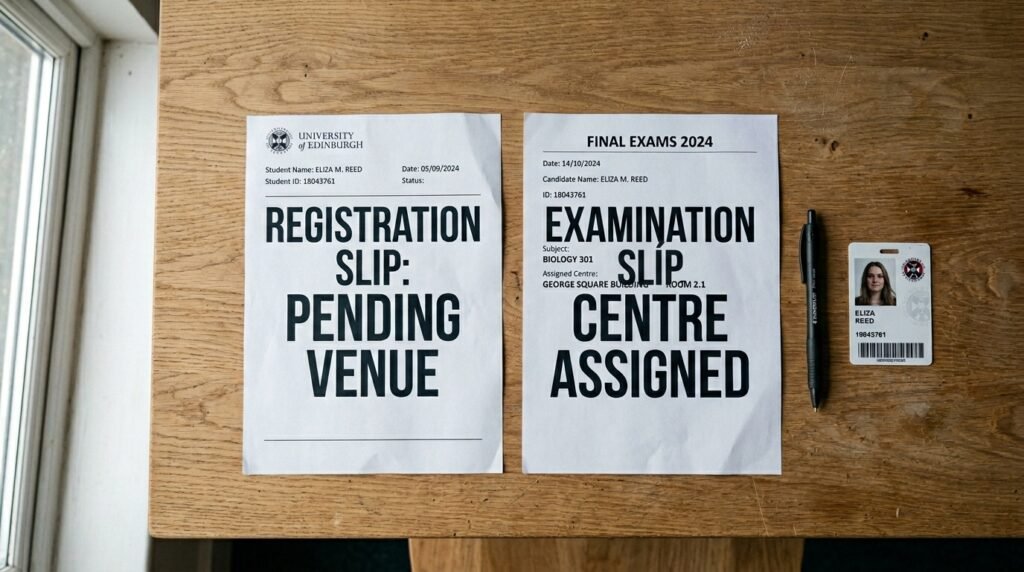
This is the comparison most articles skip, and it’s the one thing that would have saved that candidate at the cybercafe a wasted trip. Here’s what each slip actually carries.
| Field | Registration slip | Examination slip |
|---|---|---|
| Full name and photo | Yes | Yes |
| Registration number | Yes | Yes |
| Examination number | Yes (sometimes partial) | Yes (complete) |
| Subject combination | Yes | Yes |
| Choice of institutions | Yes | Usually not shown again |
| Examination town | Yes (general town/state) | Yes |
| Examination centre name and address | No, placeholder text only | Yes, full name and address |
| Centre number and seat number | No | Yes |
| Exam date | No | Yes |
| Reporting/arrival time | No | Yes |
| Biometric reminder notice | Yes | Yes |
Look closely at that table and the pattern is obvious. Your registration slip tells JAMB’s system who you are and what you applied for. Your examination slip tells you where to physically show up and when. They overlap on identity details and repeat the biometric warning, but only one of them carries the logistics you actually need on exam morning.
When the venue, date, and time actually appear
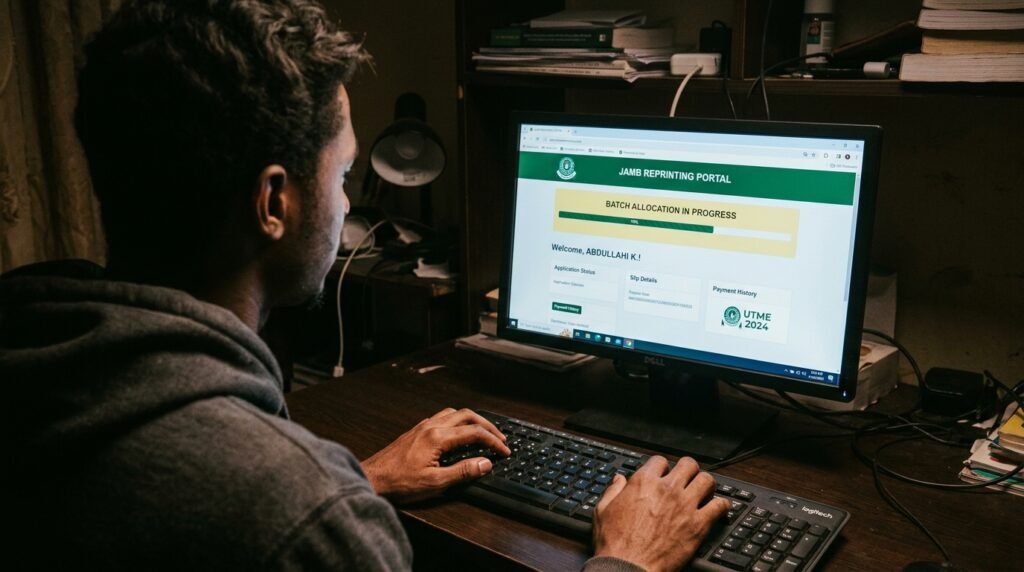
The honest answer is: not until reprinting opens, and reprinting doesn’t open until JAMB has finished its centre allocation. For the 2026 UTME cycle, that reprinting portal went live on April 9, 2026, with the main examination period running from April 16 through April 25, 2026. That left roughly a week between the slip becoming available and the exam window starting, which is fairly typical of how JAMB has sequenced this in recent cycles.
I’d lean toward checking the portal every couple of days starting a week or so before the exam window opens, rather than refreshing constantly from day one. JAMB doesn’t release everyone’s slip on the same hour. Centre and date assignment rolls out in batches, so a blank result on the reprinting page right now doesn’t mean anything is broken with your file. It usually just means your batch hasn’t been processed yet.
A quick troubleshooting note here
If you’ve tried to reprint and the screen comes back empty or stuck on a loading state, the most common explanations are:
- Reprinting hasn’t opened yet for the current cycle.
- Your particular batch hasn’t been assigned a centre yet, even though reprinting is technically live.
- The portal is under heavy traffic, since millions of candidates hit it in the same short window.
- You’re entering a slightly wrong registration number, email, or profile code (a single typo will return nothing).
None of these mean your registration was lost. Wait a day, double check your login details character by character, and try again during off-peak hours like early morning.
How to actually get your examination slip
Once reprinting opens, getting your slip is a short process. Here’s the sequence.
- Go to the official reprinting portal at portal.jamb.gov.ng, using the ExamSlipPrinting/PrintExaminationSlip path, or the dedicated slipsprinting.jamb.gov.ng site.
- Enter your registration number, registered email address, or profile code, exactly as it was captured during registration.
- Submit and wait for your slip to render on screen. If it doesn’t load right away, this is usually traffic, not an error on your end.
- Check every field on the slip the moment it appears: your photo, your name spelling, your subject combination, and most importantly your exam date, reporting time, and centre address.
- Print at least two copies if you can, in case one gets smudged or damaged before exam day.
- If you don’t have a printer at home, save the slip as a PDF and take it to a cybercafe or accredited CBT centre to print.
The official reprinting itself doesn’t cost anything from JAMB’s side. If a cybercafe charges you a small fee, that’s for the printing service, not for generating the document.
What to do once you can see your centre

Seeing the centre name and address for the first time is a relief, but it’s also the point where a second mistake creeps in. Candidates assume that because the slip has an address on it, the job is done. It isn’t quite finished yet.
Do this:
- Search the centre name and address to confirm exactly where it sits, especially if it’s not a location you recognise.
- Visit the centre in person at least a day before your exam date if you can manage it, so you’re not navigating an unfamiliar area on the morning itself.
- Note the reporting time exactly as written, not as “around morning” or “afternoon-ish.” JAMB centres run on staggered sessions, and arriving late for your assigned session usually means you don’t get in at all.
- Keep both the digital file and a printed copy somewhere safe until after the exam.
Avoid this:
- Don’t assume the centre on your slip matches the one you registered at originally. JAMB frequently assigns a different, sometimes distant, centre based on capacity rather than convenience.
- Don’t rely on a friend’s slip or a previous year’s slip as a guide for timing, since reporting times have shifted between cycles (the 2026 session, for example, saw an adjustment to its session 1 arrival time partway through the exam window).
- Don’t bring prohibited items like phones, wristwatches, or bags to the centre on exam day, since none of that is allowed inside regardless of what your slip says about timing.
Why this confuses so many candidates every year
The popular advice floating around is “just wait for reprinting,” and on its own that’s not wrong, it’s just incomplete in a way that leaves people anxious for no reason. Candidates check their registration slip, see no venue, and panic that their registration failed. It didn’t fail. The slip in their hand was never designed to carry that information in the first place.
The real fix is understanding that JAMB runs this as a two stage release on purpose. Stage one confirms you’re in the system. Stage two, which comes later and depends on centre allocation finishing, tells you where to go. Knowing that distinction up front means you stop checking the wrong document for information it was never going to have.
If your slip right now shows a placeholder line instead of a centre name, your registration is fine. Bookmark the official reprinting portal, wait for the announced opening date for the current cycle, and check back every couple of days rather than every hour once that window opens.
Discover more from EducationNGR
Subscribe to get the latest posts sent to your email.