
I checked my own JAMB result years ago on a Nokia keypad phone outside a cybercafe, and I still remember the small panic when the SMS took longer than I expected. That wait, and the question of whether what finally lands on your screen is actually real, is what most guides skip. They tell you how to see a number. They don’t tell you how to know that number is yours, untouched, and the same one sitting in JAMB’s own database.
This guide covers both halves of the job. First, the retrieval steps that work right now. Second, and this is the part most articles leave out, how you cross-check your result across the three places JAMB actually puts it: the SMS reply, the online portal view, and the printed slip. If those three don’t match, you have a problem worth catching before an admission office catches it for you.
Key takeaways
- You can check your 2026 UTME result two ways: by SMS to 55019 or 66019, or by logging into JAMB’s e-Facility portal.
- JAMB releases results in batches by exam date, so a missing result often just means your batch hasn’t dropped yet.
- The SMS reply, the portal view, and the printed result slip should all show the same registration number, name spelling, and scores. Any mismatch is a red flag.
- JAMB has confirmed multiple fake result slips circulating in 2026, some allegedly made with AI editing tools, and has arrested people for it.
- Your result slip carries a verification reference that institutions check against JAMB’s own system, so a slip that can’t be verified there is not a result you can use.
The fastest way to check your result right now
If you just want your score, SMS is quicker than the portal in almost every case. You send UTMERESULT to 55019, and you need to do it from the phone number linked to your registration number, because the system matches the line, not the person typing.
Here’s what you actually need before you send anything:
- The same SIM card you registered with JAMB. A second line, even your own, won’t pull your result.
- At least N50 credit on that line, since the service charges for the message.
- Patience for a few minutes. Replies don’t arrive instantly, especially during the first days after release when traffic on the shortcode is heavy.
If you’d rather see your result on a screen and possibly print it, you go through the portal instead. Type efacility.jamb.gov.ng into your browser, enter your registration number or linked email, then select the check results option. You’ll need a working internet connection for this route, and during the first few days after a release, the portal tends to slow down under the weight of everyone trying at once.
One thing worth knowing before you try either method: JAMB doesn’t release every candidate’s result on the same day. Results come out by batch, tied to which day you actually sat the exam, so if your result isn’t showing yet, your exam day’s batch likely hasn’t been uploaded. That’s not a fault on your end, and resending the SMS five times in a row won’t speed it up. It just burns your airtime.
SMS versus portal: which one to use and when
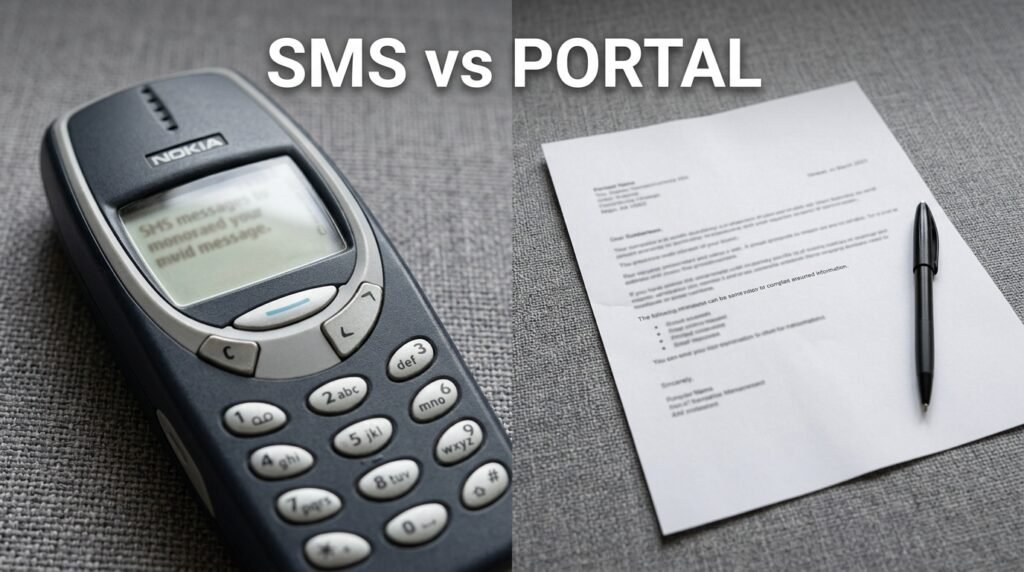
| Factor | SMS (55019 / 66019) | Online portal (efacility.jamb.gov.ng) |
|---|---|---|
| What you need | Registered phone line, N50 airtime | Internet connection, login email and password |
| Speed | Usually a few minutes | Can be slow during peak traffic |
| What you see | Total score only, in most cycles | Score and, once activated, your full subject breakdown |
| Printing | Not possible directly from SMS | Required step if you need a printed slip |
| Best for | A quick first look at your score | Confirming details and preparing your slip for admission |
If you only need to know your number today, SMS gets there faster. If you need the document for admission screening later, you’ll end up on the portal anyway, so you might as well start there once it’s running smoothly.
Why your result might not be showing yet
Before you assume something’s wrong, run through the ordinary reasons a result stays hidden. Most of the time it’s one of these, not a system error and not something you did wrong.
- Your batch hasn’t been released. JAMB processes results by exam date in groups, and earlier exam days are usually cleared first.
- There was a flag on your exam session. Technical glitches at the CBT centre or suspected irregularities during your sitting can hold a result back for review.
- You’re using the wrong phone number. If you changed your SIM after registration, the shortcode won’t recognise the new line.
- Your login details don’t match what you registered with. A typo in your email or a forgotten password will block portal access even though your result already exists.
- Low airtime stopped the SMS from going through. The message needs to actually send, and a balance under the required amount means it never reaches the shortcode.
If you’ve ruled all of these out and still see nothing after a reasonable wait, that’s when it makes sense to raise a ticket rather than keep guessing.
The verification layer nobody else walks you through
Here’s the part that actually matters once you have a number in front of you. Seeing a score is not the same as confirming it’s correct, unaltered, and the one JAMB has on file. This matters more in 2026 than in past years, because JAMB has publicly confirmed several fake result slips making the rounds, in at least one case claiming a candidate scored 394 in the 2026 UTME when no such result existed.
I’m calling this process the three-point match, and it’s simple: you compare your result across the three places it should appear, and you check that all three agree.
Point one: the SMS reply
Your SMS reply comes from one of two numbers only. JAMB has stated plainly that the only valid result notifications are those sent directly from the shortcodes 55019 or 66019, and anything arriving from a different number is not genuine. Check the sender field on the message itself, not just the text inside it. If the message came through a regular ten or eleven digit number, or through WhatsApp, or through a forwarded screenshot someone sent you, treat it as unverified until you check it another way.
Take a plain screenshot for your own records, but don’t edit it, crop out parts of it in a way that removes the sender info, or rely on someone else’s screenshot as proof of your own score.
Point two: the portal view
Log into efacility.jamb.gov.ng yourself, using your own credentials, rather than trusting a number someone else read out to you. The score on your dashboard should match the SMS exactly, subject for subject if a breakdown is shown, and as a total either way.
If the portal shows something different from your SMS, don’t assume the portal is more accurate. Both numbers should trace back to the same processed result. A mismatch here means you contact JAMB through official channels before doing anything else, including before telling family or sharing it anywhere.
Point three: the printed result slip
This is the document that actually carries weight with institutions. The original result slip contains your full name as registered, your registration number, your photograph, the exam year, your score in each subject, your total score out of 400, and a verification reference that schools can check against JAMB’s records.
Before you walk away from the printer or close the browser tab, go through your slip line by line:
- Check your name is spelled exactly as it appears on your original registration, not a shortened or auto-corrected version.
- Check the photograph is genuinely yours.
- Check your registration number matches the one on your original registration slip from before the exam.
- Add up your subject scores yourself and confirm the total matches what’s printed.
- Look for the verification reference and keep a record of it somewhere separate from the slip itself, in case the paper gets damaged or lost.
If anything here looks off, the safest move is to go back to the source rather than assume it’s a printing glitch. As one detailed walkthrough on the slip itself put it, if your result can’t be verified on the JAMB system, you go back to the official portal immediately and reprint directly rather than trying to patch the problem yourself.
The mismatch checklist
Run through this short list any time something doesn’t line up between your three sources.
- Sender number on the SMS doesn’t read 55019 or 66019: treat the message as unverified.
- Score on the printed slip differs from the score on the portal dashboard: stop and reprint from the official portal before doing anything else.
- Registration number format looks unusual or doesn’t match your original registration documents: this is one of the exact details JAMB pointed to when it dismissed a viral fake slip, noting the number didn’t follow the Board’s system-generated pattern.
- Someone sends you a result slip template through WhatsApp or a third-party website claiming to “generate” or “print” your result for a fee: this isn’t a real JAMB channel, and you should not pay for it or share your details with it.
- A slip looks formatted differently from what JAMB normally issues, missing the official stamp or watermark, or showing a layout you haven’t seen elsewhere: that alone is a strong signal something is wrong, the same signal JAMB itself used when it called out a fabricated template circulating in April 2026.
What JAMB has actually said about fake results
This isn’t a hypothetical risk I’m raising to sound cautious. In April 2026, JAMB’s spokesperson Fabian Benjamin publicly addressed a slip claiming a 394 score, stating that the document didn’t reflect the Board’s official result format and that UTME results are strictly view-only, not meant for printing or circulation in the way the fake slip presented itself. He went further, noting that the registration number on the slip didn’t conform to JAMB’s system-generated format, which is exactly the kind of detail the mismatch checklist above asks you to look for in your own documents.
JAMB also confirmed something more serious that same month: two candidates and one parent were in custody for result falsification carried out using AI and other electronic means, according to the Board’s own statement. That’s not a vague warning. It tells you the fabrication problem is real enough that JAMB is treating it as a criminal matter, and that the people attempting it include candidates and parents, not just outside scammers.
If you’re ever tempted to “fix” a low score by editing a screenshot, or you’re offered a service that promises to upgrade your result for a fee, walk away. JAMB has stated there is no technical mechanism for a third party to upgrade a score once it has been processed, and anyone offering that service is running a scam.
My result-confidence scoring rubric
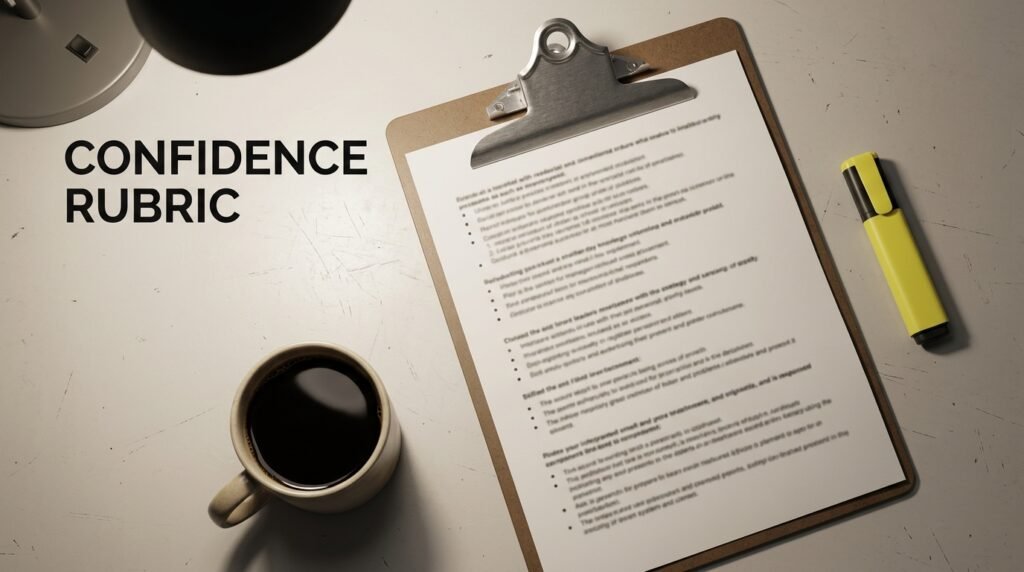
Use this short rubric to decide how much you can trust a result you’re looking at, whether it’s your own or one someone has shown you. Score one point for each condition that’s true, then check your total against the guide below.
- The SMS came from 55019 or 66019 directly, visible in the sender field: 1 point
- You logged into the portal yourself with your own credentials and the score matches the SMS: 1 point
- The printed slip carries a verification reference and the official JAMB stamp or watermark: 1 point
- Your name, photo, and registration number on the slip match your original registration documents exactly: 1 point
- You did not receive this result through a forwarded screenshot, third-party website, or anyone claiming to print or generate it on your behalf: 1 point
Score of 5: You can treat this result as confirmed and move forward with it for admission purposes.
Score of 3 or 4: Go back and close the gap. Usually this means logging into the portal yourself or reprinting the slip directly from the official site rather than relying on someone else’s copy.
Score of 2 or below: Don’t act on this result yet. Recheck through the SMS and portal yourself before doing anything that depends on the number being correct.
What to do if your result still won’t show
Sometimes the issue isn’t on your end and isn’t a simple batch delay either. JAMB runs a dedicated complaint system for exactly this. You create a ticket through the JAMB Central Online Support System rather than travelling to a physical office, since JAMB has specifically asked candidates to use the ticketing platform instead. Support tickets are generally treated within a day or two, excluding weekends and holidays, according to JAMB’s own guidance on the system.
When you raise a ticket, have your registration number, the phone number you registered with, and a clear description of what you tried (SMS, portal, or both) ready to enter. Vague tickets take longer to resolve because support staff have to ask follow-up questions you could have answered upfront.
After you’ve confirmed your score
Once your three-point match checks out, your next real step is keeping that result usable. Print more than one copy of your slip, since institutions typically request it more than once during screening and admission, and a single copy that gets damaged or misplaced puts you back at the portal at an inconvenient time. Store your verification reference somewhere you’ll actually find it again, not just in your memory of where you put the slip.
Hold onto the original SMS too, even after you’ve printed the slip. If an institution ever questions your printed document, having the original message from 55019 or 66019 on the same phone line gives you a second, independent point of proof that doesn’t depend on the printer or the portal session that produced your slip.
Discover more from EducationNGR
Subscribe to get the latest posts sent to your email.