Federal Polytechnic Oko
Federal Poly Oko ND Admission List 2025/2026

The Federal Polytechnic Oko Admission List for the 2025/2026 academic session has been released. It includes the names of candidates offered provisional admission into the National Diploma (ND) programmes. Applicants who took part in the admission process can now check their status online through the school portal.

How to Check the Federal Polytechnic Oko Admission List

To see if you have been offered admission, follow these simple steps:


  1. Visit the Federal Polytechnic Oko admission portal.
  2. From the Student Type drop-down menu, choose ‘National Diploma’.
  3. Enter your JAMB Registration Number carefully in the space provided.
  4. Click ‘Confirm Status’ to view your result.

If your name appears, congratulations! You have been offered admission into the National Diploma programme at Federal Polytechnic Oko.

Acceptance Fee and Payment Details

For new ND students, the acceptance fee is ₦30,000. Payment confirms your admission and secures your place in the new session. Candidates are encouraged to make this payment as soon as possible to avoid losing their slot.

What to Do If You Are Admitted

After confirming your admission on the portal, take these next steps to finalise your entry:

  1. Accept or Reject Your Admission: Go to the JAMB CAPS portal and choose to accept or reject the offer.
  2. Print Your JAMB Admission Letter: Once you’ve accepted the offer, print your official letter from the JAMB Admission Letter portal.

Checking Your Federal Polytechnic Oko Admission Status on JAMB Portal

You can also check your admission through the JAMB website by following these steps:

  1. Visit the JAMB E-Facility portal.
  2. Log in using your JAMB username and password.
  3. Scroll to find ‘Check Admission Status’ and click it.
  4. Select ‘Access my CAPS’.
  5. Click on ‘Admission Status’ to view if you have been admitted into Federal Polytechnic Oko.

What Awaits Successful Candidates

Those admitted into Oko Poly can look forward to an engaging learning experience and a friendly academic environment. The polytechnic offers diverse programmes with practical teaching that prepares students for their future careers.

Federal Polytechnic Nekede
Fed Poly Nekede ND Morning Admission List 2025/2026

The Federal Polytechnic, Nekede Admission List for the 2025/2026 academic session has been released. The management of the Federal Polytechnic, Nekede, Owerri, has published the first, second, third, fourth, and fifth batches of successful candidates admitted into the National Diploma (ND) morning programme. Applicants who took part in the screening can now check their admission status online.

How to Check the Federal Polytechnic, Nekede Admission List

Candidates can easily confirm their admission through the school’s official portal by following these steps:


  1. Visit the Federal Polytechnic, Nekede admission portal.
  2. Enter your application number in the space provided.
  3. Click ‘Log In’ to access your admission details.

If your name appears, congratulations. You have been offered provisional admission into one of the ND programmes at Federal Polytechnic, Nekede.

What to Do If You Are Admitted

Once you have confirmed your name on the admission list, follow these steps to finalise your admission:

  1. Accept or Reject Your Admission: Log in to the JAMB CAPS portal to either accept or reject your offer.
  2. Print Your JAMB Admission Letter: After accepting, print your letter through the JAMB Admission Letter portal.
  3. Proceed with School Registration: Visit the polytechnic’s portal to complete your registration and payment of the required fees.

How to Check Your Federal Polytechnic, Nekede Admission Status on JAMB Portal

You can also confirm your admission on the JAMB website. Here’s how:

  1. Go to the JAMB E-Facility portal.
  2. Log in using your JAMB username and password.
  3. Select ‘Check Admission Status’.
  4. Click ‘Access my CAPS’.
  5. Choose ‘Admission Status’ to see if you’ve been offered admission into Federal Polytechnic, Nekede.

What to Expect After Admission

Newly admitted students should start preparing for registration and clearance. All required documents, including the JAMB Admission Letter and original credentials, must be presented during the verification process.

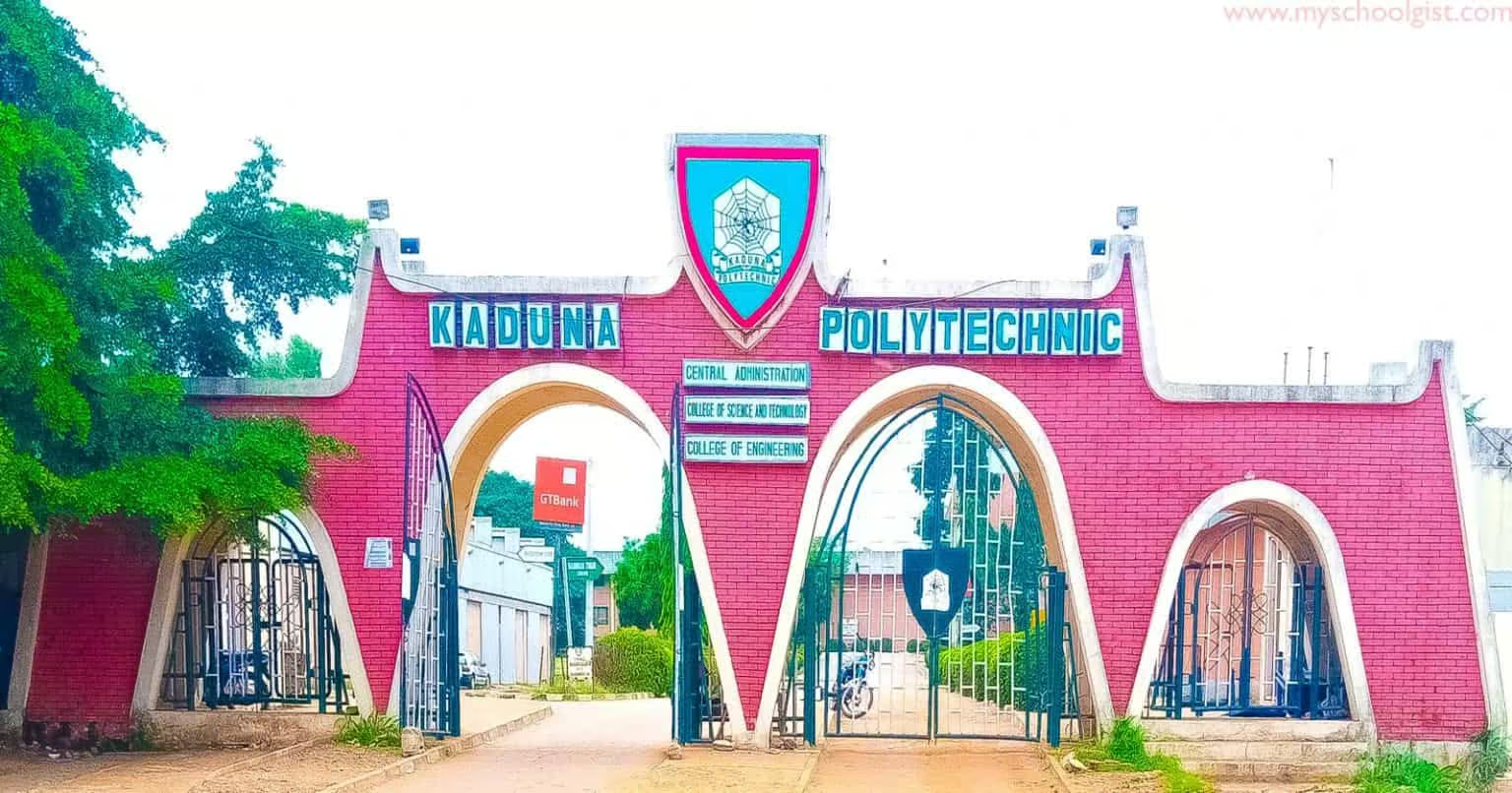
KADPOLY
KADPOLY ND Full-Time Admission List 2025/2026 Out

Kaduna Polytechnic (KADPOLY) has released the National Diploma (ND) admission list for the 2025/2026 session. Candidates can now check their admission status online via the school or JAMB portal. Read below for full steps and what to do next after confirmation.

If you’ve been waiting for news from Kaduna Polytechnic, the wait is finally over. The polytechnic has released its National Diploma (ND) admission list for the 2025/2026 academic year. For many applicants, this is that heart-stopping moment where excitement meets nerves—because one click decides what the next year of your life might look like.

The Big Update from KADPOLY

Kaduna Polytechnic, known for its strong mix of technical and practical learning, has officially published the admission list for candidates who applied for ND programmes. Whether you applied straight out of secondary school or through other entry routes, it’s time to confirm your spot.


No need to rush to the school gate or crowd notice boards under the sun—everything is now available online. You can check your admission status from your phone, laptop, or cyber café in just a few steps.

How to Check Kaduna Polytechnic Admission List

Let’s get straight to it. To confirm if you made the list, follow these steps carefully:

  1. Visit the official Kaduna Polytechnic Admission Portal at kadunapoly.edu.ng/students/check-admission
  2. Enter your Application Number in the space provided.
  3. Click the ‘Check’ button and wait a few seconds.
  4. Your admission status will appear right there on the screen.

If your name pops up, congratulations—you’re officially in! But if not, don’t panic yet. There’s another way to double-check.

Checking Through the JAMB Portal

Sometimes the school portal takes a little while to sync with the Joint Admissions and Matriculation Board (JAMB) system, so it’s smart to confirm on both ends. Here’s how to do that:

  1. Go to the JAMB eFacility Portal at efacility.jamb.gov.ng/
  2. Log in using your JAMB profile username and password.
  3. Click on the ‘Check Admission Status’ tab.
  4. Choose your exam year and enter your JAMB registration number.
  5. Click ‘Check Admission Status’ again to view your Kaduna Polytechnic details.

If you see “Admission Offered”, that’s your green light. Time to move on to the next step.

What to Do After Checking Your KADPOLY Admission

Getting in is only half the story, right? To fully secure your spot, you’ll need to complete a few simple but important steps:

  • Log in to JAMB CAPS and click “Accept Admission” (or reject it, if you’ve got another offer elsewhere).
  • After accepting, go ahead to print your JAMB admission letter.
  • Keep copies of your admission slip and JAMB letter—they’ll be needed when you resume registration at the school.

And if you didn’t find your name this time, don’t lose hope. Some lists come out in batches, and JAMB updates occasionally. Just keep checking.

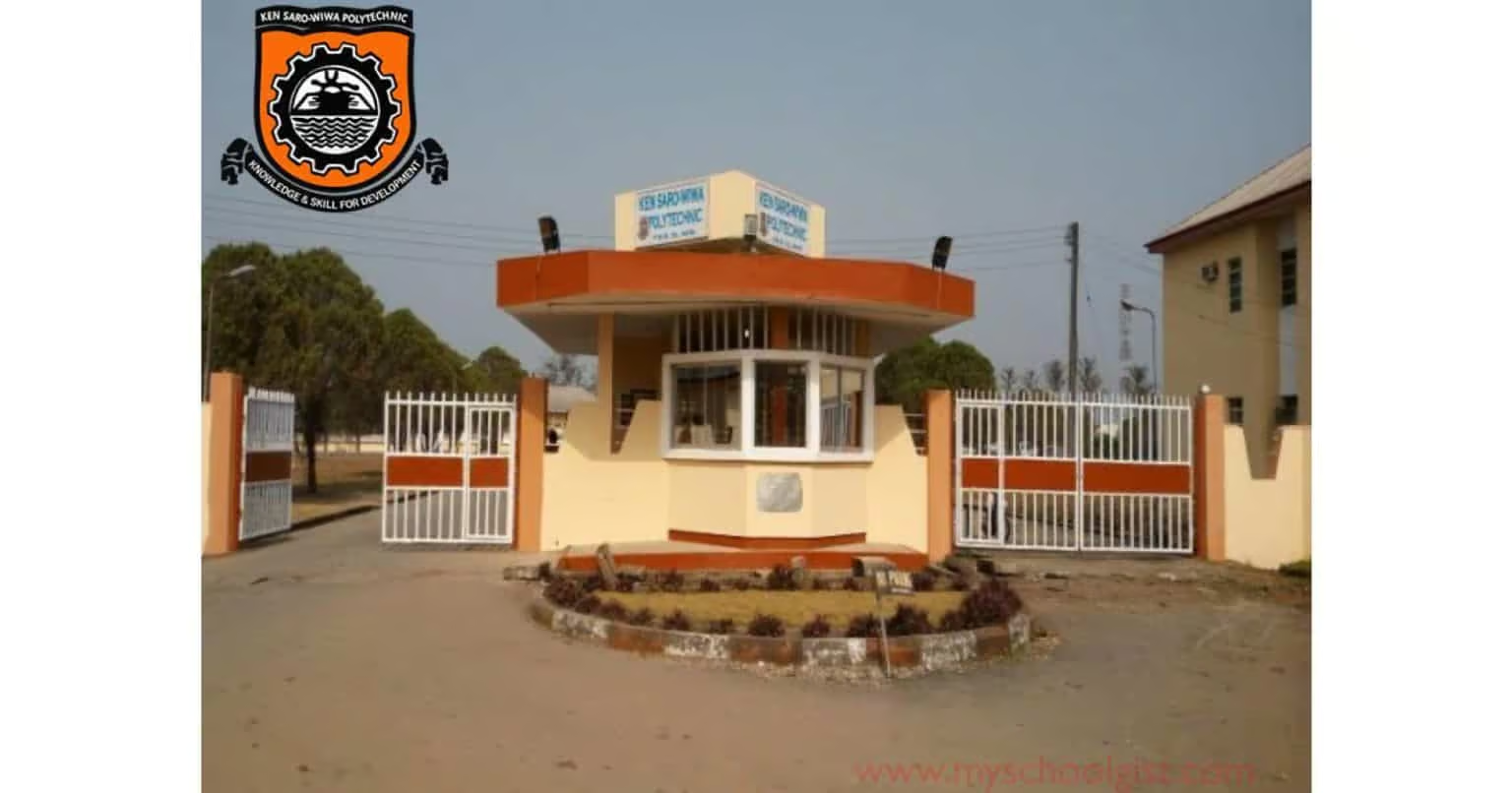
KENPOLY
KENPOLY ND Admission List 2025/2026 is Out

Kenule Beeson Saro-Wiwa Polytechnic (KENPOLY) has released its 2025/2026 admission list for National Diploma candidates. Admitted students can check their status through the JAMB CAPS portal or at the school notice board. Read below for full steps and what to do next.

If you’ve been refreshing your phone, peeking at your email every few minutes, or asking friends if the list is out, take a deep breath. The long wait is finally over. Kenule Beeson Saro-Wiwa Polytechnic (KENPOLY), once known as Rivers State Polytechnic (RIVPOLY), has officially released its admission list for the 2025/2026 academic session.


This list includes candidates who have been offered provisional admission into the school’s National Diploma (ND) programmes. For many, it’s a moment that brings both excitement and relief — a sigh that says, “At last.”

How to Check the KENPOLY Admission List

Now, let’s talk about checking that status. You’ve got two ways to go about it, and neither is hard.

  • Option 1: Visit the school notice board on campus. Yes, the good old way. Sometimes, that’s the fastest. You’ll find the list pasted neatly, with hundreds of eyes scanning for their names. It’s a whole experience on its own.
  • Option 2: Check online through the JAMB CAPS portal. This one lets you confirm your admission from anywhere.

Here’s how to do it step-by-step:

  1. Go to the JAMB E-Facility portal.
  2. Log in with your JAMB-registered email and password.
  3. Scroll down and click on “Check Admission Status.”
  4. Tap “Access my CAPS.”
  5. Select “Admission Status” to see if your name made it to KENPOLY.

What the JAMB CAPS Messages Mean

Sometimes you’ll see a message and wonder, “So what exactly does this mean?” Here’s a quick breakdown to clear that up.

  • ADMISSION OFFERED: Congratulations, JAMB has approved your admission! You can now accept or reject it right there on CAPS.
  • ADMISSION IN PROGRESS (AIP): Your school has recommended you. The process is still moving between your department and JAMB for final approval.
  • RECOMMENDED: Your school has proposed your name, and JAMB is currently reviewing it.
  • NOT ADMITTED: No offer yet. It could be that your school hasn’t released the next batch or your application is still being processed.
  • PENDING: The review is ongoing, so don’t panic. Keep checking back.

If you’ve been offered admission, send ACCEPT or REJECT as a text to 55019 or 66019 using the phone number linked to your JAMB profile. After you accept, print your JAMB Admission Letter for your records.

If you’re checking on your phone and can’t see the “Admission Status” button, don’t stress. Most mobile browsers don’t show the full CAPS page by default. Simply open Chrome, tap the menu icon, and select “Request Desktop Site.” That should fix it.

So, there you have it. The KENPOLY Admission List is out, and the next step is yours. Whether you’re seeing your name on the screen or hearing someone shout it from the notice board, the joy is the same.

Federal Polytechnic Nekede
Poly Nekede Admission List for ND Morning 2025/2026 Out

Federal Polytechnic, Nekede has published the ND morning admission list for 2025/2026, including the 1st, 2nd and 3rd batches. Students are urged to check both JAMB CAPS and the school portal, follow the acceptance steps, and act quickly. Read on for full details and clear steps.

After weeks of nail-biting suspense, the Federal Polytechnic, Nekede, Owerri has finally released its admission list for the 2025/2026 academic year. The 1st, 2nd, and 3rd batches are out for the ND morning programme. For some students, the news brings sheer relief, while for others, the waiting game drags on. That’s life, sometimes you win today, sometimes tomorrow.

How to Check on JAMB CAPS

First things first, the official stop is the JAMB CAPS portal. Yes, another login, another password, but no skipping this one. Here’s the trail:


  • Visit the JAMB EFacility page.
  • Enter your JAMB username and password.
  • Scroll and tap on Check Admission Status.
  • Choose Access my CAPS.
  • Hit Admission Status to see your result.

If it still reads “Admission Still in Progress” or “Not Admitted”, don’t panic. It can flip without warning, much like waiting for a Lagos bus that shows up when it likes.

What to Do After You Get Admitted

A green light does not mean the journey is over, not yet. You need to tie the loose ends:

  • Send ACCEPT or REJECT to 55019 or 66019, using the phone number linked to your JAMB profile.
  • Print your JAMB admission letter.
  • Then, head over to the school’s portal for the final confirmation.

Nekede School Portal Check

Once you’ve handled JAMB, go to the Nekede portal to see your school admission details:

The site can get jammed when too many folks rush at once, so patience is key. A bit like waiting in line at the market, it moves… eventually.

FCFMT
FCFMT ND Full-Time Admission List 2025/2026 Released

The Federal College of Fisheries and Marine Technology (FCFMT) has released the 2025/2026 admission list for ND full-time programmes. Applicants can now check their admission status through the JAMB CAPS portal. Read on for clear steps, phone tips, and what to do next.

The Federal College of Fisheries and Marine Technology (FCFMT) has made its admission list public for the 2025/2026 academic year. Students who applied for ND full-time courses can now see if they made it through. It is the kind of news that brings both nerves and joy, depending on what the screen shows.

How to Check FCFMT Admission Status

At the moment, the only way to confirm your admission is through the JAMB CAPS portal. Do not worry, the steps are straightforward:


  • Open the JAMB E-Facility portal.
  • Log in with your JAMB username and password.
  • Scroll down and click on Check Admission Status.
  • Select Access my CAPS.
  • Then click Admission Status to see if your name is on the list.

For those who see “Admission Still in Progress” or “Not Admitted”, patience is needed. Keep checking, as the page may update anytime.

What to Do After Admission

If you have been offered admission:

  • Accept or reject it by sending ACCEPT or REJECT to 55019 or 66019 using your registered JAMB phone number.
  • After accepting, print your JAMB admission letter.

A side note, many phone users may only see a welcome message instead of the full options. Switch your browser to desktop mode, Chrome works best for this.

TOPS
TOPS ND Merit Admission List 2025/2026

The Oke-Ogun Polytechnic, Saki (TOPS) has released the first and second batch admission lists for the 2025/2026 session. Candidates can now check their ND admission status through the school portal or JAMB CAPS. Read further for steps, deadlines, and what to do after acceptance.

The Oke-Ogun Polytechnic, Saki (TOPS), has announced the official release of its first and second batch admission lists for the 2025/2026 academic year. Candidates who sat for the Post UTME screening are now able to check if their names made it into the National Diploma full-time programmes.


Admission into the ND programme began on Monday, 8th September 2025, and the release of the list marks the beginning of a fresh academic round for many students.

How to Check TOPS Admission List

To confirm your status, the steps are quite simple:

  • Visit the TOPS Admission Portal.
  • Enter your JAMB registration number and password.
  • Click login to view your admission status.

Students are advised to act promptly. The acceptance fee payment deadline is 22nd September 2025.

Next Steps After Admission

If admitted, candidates must finalise their admission process without delay. Below are the steps:

These actions complete the acceptance procedure and prepare you for registration at the polytechnic.

Checking TOPS Admission Status on JAMB Portal

Admission status can also be confirmed via JAMB’s E-Facility platform:

  • Log on to the JAMB E-Facility portal.
  • Enter your JAMB username and password.
  • Select Check Admission Status.
  • Click on Access my CAPS, then select Admission Status.

This double-check ensures candidates do not miss out on any updates.

Final Word

For those whose names appear on the TOPS Admission List for the 2025/2026 session, congratulations are in order. The path ahead may be demanding, but this first step has opened the gate. Now it is time to settle the fees, secure the admission letter, and prepare for the start of life at The Oke-Ogun Polytechnic, Saki.

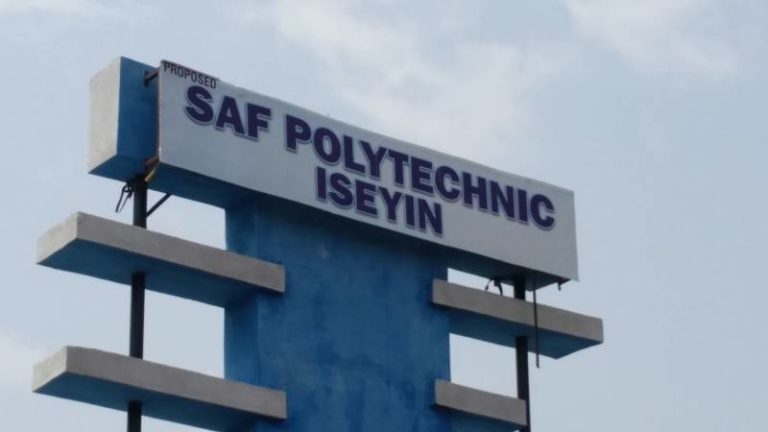
Saf Polytechnic
Saf Polytechnic ND Admission List 2025/2026 Out

The Saf Polytechnic Admission List for 2025/2026 has been released. Candidates can now check their admission status through the JAMB CAPS portal. Please read on for full steps and details on how to confirm and accept your place.

The long wait is over, Saf Polytechnic in Iseyin, Oyo State has rolled out its admission list for the 2025/2026 academic year. This list carries the names of candidates who have been given provisional admission into the National Diploma programmes.

It is official, and it is online. If you applied, here is how to check without getting stuck.

How to Check Saf Polytechnic Admission List

You can only check your admission status through the JAMB CAPS portal. Do not bother looking elsewhere, this is the approved channel.

Follow these steps, steady and easy:

  • Go to the JAMB EFacility portal.
  • Use your JAMB username and password to log in.
  • Scroll till you see “Check Admission Status” and click it.
  • Tap on “Access my CAPS”.
  • Then click “Admission Status” to see if you made it.

That’s it. If your name is there, you have some more steps waiting.

Accepting or Rejecting Your Admission

  • Text ACCEPT or REJECT to 55019 or 66019 using the phone number you used for JAMB.
  • If the status says “Admission Still in Progress” or “Not Admitted”, don’t panic, keep checking. The page updates anytime, and your turn might be next.

Once you accept, go on to print your JAMB admission letter. That’s your proof.