Osun State University (UNIOSUN)
UNIOSUN Supplementary Admission List 2024/2025 Out

The UNIOSUN Supplementary Admission List for the 2025/2026 academic session has been released.

This update gives applicants another chance to confirm if they have been offered provisional admission into the Osun State University (UNIOSUN) undergraduate programmes.


Students who were not included in the merit list can now check this supplementary list to see if they made it.

How to Check the UNIOSUN Supplementary Admission List

Follow these steps to check your admission status:

  1. Visit the UNIOSUN Admission Portal.
  2. Select your application type from the options provided.
  3. Enter your JAMB registration number and password (created during your initial registration).
  4. Click Sign In to view your admission status.

Ensure you log in with the correct credentials used during your application.

Next Steps After Admission Offer

If you have been offered admission, complete these actions:

Completing these steps secures your place in the university’s academic calendar for the 2025/2026 session.

Note for Applicants

The UNIOSUN Supplementary Admission List serves as an additional opportunity for qualified candidates who were not included in the first list. Applicants are advised to act quickly after confirming their admission to avoid missing registration deadlines.

Federal Polytechnic Bida BIDAPOLY
Federal Polytechnic Bida ND Admission List 2025/2026 Out

The Federal Polytechnic, Bida Admission List for the 2025/2026 academic session has been released. The management has published the first batch list for National Diploma (ND) full-time programmes. Candidates who took part in the post-UTME screening exercise can now confirm their admission status.

This release marks another step for applicants looking to begin their studies at Federal Polytechnic, Bida (BIDAPOLY).


How to Check the Federal Polytechnic, Bida Admission List

Follow these steps to check your admission status:

  1. Visit the Federal Polytechnic Bida admission portal.
  2. Enter your JAMB registration number in the required field.
  3. Click Submit to view your admission status.

If your name appears on the list, proceed with the next actions below.

Next Steps for Admitted Candidates

  1. Accept or Reject the Admission: Go to the JAMB CAPS portal to accept or reject your admission offer.
  2. Print the JAMB Admission Letter: After accepting the offer, print your JAMB Admission Letter.
  3. Follow Registration Instructions: Review the Federal Polytechnic Bida Registration and Documentation Guide for detailed instructions on completing your registration and paying the acceptance fee.

Candidates are encouraged to print and keep all official documents for future reference.

Additional Information

The Federal Polytechnic, Bida Admission List includes candidates admitted into various ND programmes across departments. Students who are not yet admitted are advised to check back regularly, as more batches may still be released.

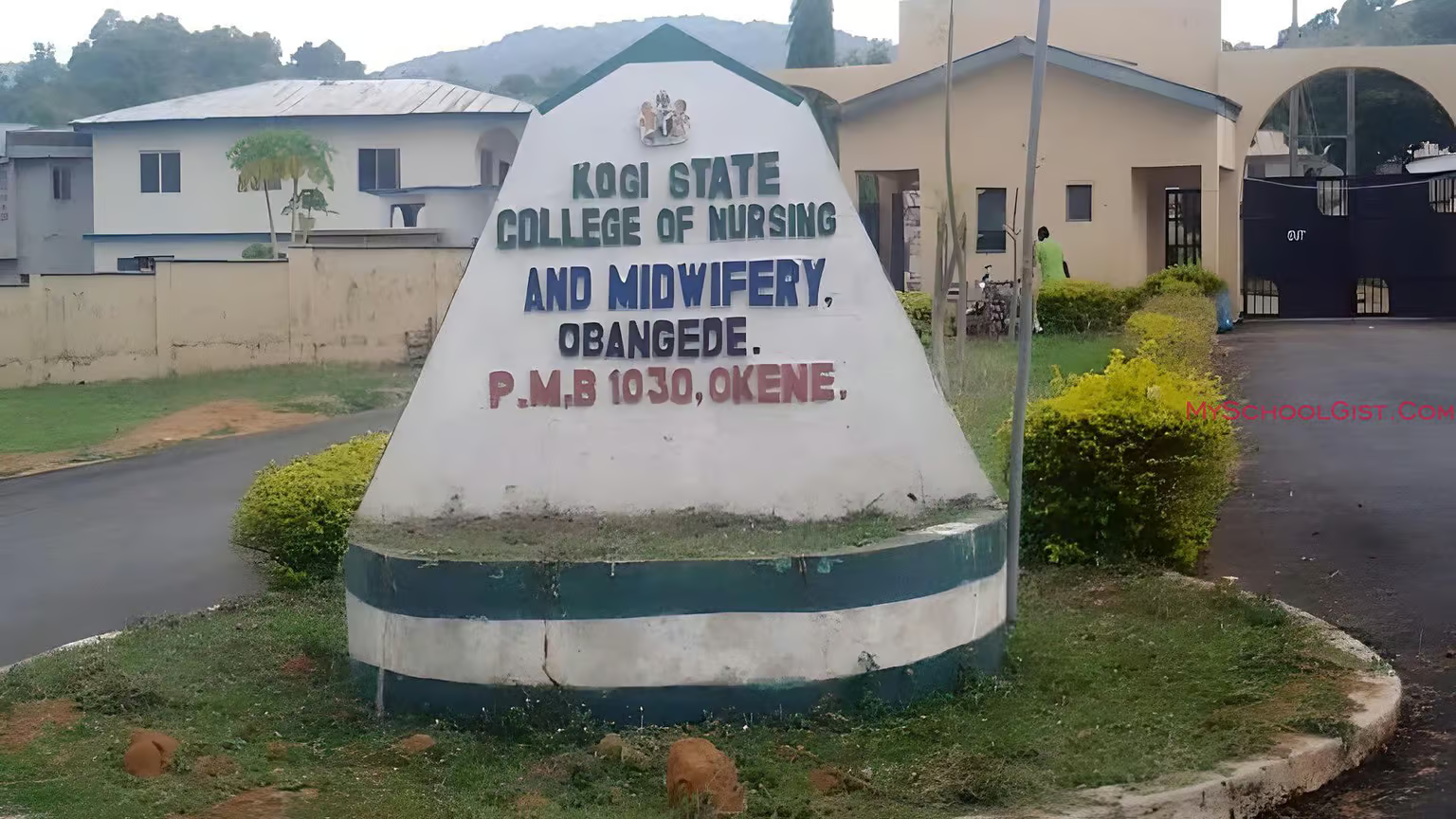
Kogi State College of Nursing Sciences
Kogi State College of Nursing Sciences Admission List 2025/2026

The Kogi State College of Nursing Sciences Admission List for the 2025/2026 academic session has been released. This list contains the names of candidates offered admission into the ND and HND Nursing programmes at the Kogi State College of Nursing Sciences, Obangede.

If you applied for admission, you can now check your status through the JAMB CAPS portal using the steps below.


How to Check the Kogi State College of Nursing Sciences Admission List

Currently, candidates can only confirm their admission status through the JAMB CAPS portal. Follow these steps carefully:

  1. Visit the JAMB E-Facility portal.
  2. Log in with your JAMB username and password.
  3. Scroll down and select Check Admission Status.
  4. Click Access my CAPS.
  5. Tap on Admission Status to see if you have been offered admission into the Kogi State College of Nursing Sciences.

What Each Admission Status Means

When you check your status, you may see one of the following messages:

  1. Admission Offered: Congratulations! Your admission has been approved. You can now accept or reject it on the JAMB CAPS portal.
  2. Admission in Progress (AIP): Your school has recommended you for admission, and it is awaiting final approval from JAMB.
  3. Recommended: Your application has been reviewed by the school and sent to JAMB for validation.
  4. Not Admitted: You are yet to be considered for admission. This could mean your application is still under review or your school’s list has not been fully uploaded.
  5. Pending: Your admission process is still being reviewed.

What to Do After You’ve Been Offered Admission

If you see “Admission Offered”, follow these steps:

  • Accept or reject your admission by sending ACCEPT or REJECT to 55019 or 66019 using your registered phone number.
  • After accepting, print your JAMB Admission Letter.

Note: If you’re checking on a mobile phone, you might not see all options on the CAPS page. Use the desktop site view on the Chrome browser by selecting “Request desktop site” from the options menu to access the full page.

Federal University Dutse (FUD)
FUD 1st Batch Merit Admission List 2025/2026 Out

The Admission List for the 2025/2026 academic session has been released by the management of the Federal University Dutse (FUD). This marks the start of a new academic chapter for successful candidates across various undergraduate programmes.

If you applied for admission into FUD, you can now check your status online through the JAMB CAPS portal.


How to Check the FUD Admission List

At the moment, candidates can only confirm their admission status through the JAMB CAPS portal. Follow the steps below:

  1. Visit the JAMB E-Facility portal.
  2. Log in with your JAMB username and password.
  3. Scroll down and select Check Admission Status.
  4. Click Access my CAPS.
  5. Select Admission Status to see if you’ve been offered admission into the Federal University Dutse (FUD).

What Each Admission Status Means

Here’s what the different admission messages on the JAMB CAPS portal mean:

  1. Admission Offered: Congratulations! You’ve been admitted. You can now accept or reject the offer on the portal.
  2. Admission in Progress (AIP): Your school has recommended you for admission, and it’s awaiting final approval from JAMB.
  3. Recommended: Your application meets the requirements and is waiting for JAMB’s confirmation.
  4. Not Admitted: You haven’t been offered admission yet. This could mean your school’s list is still uploading or your application is pending.
  5. Pending: Your admission is still under review. Check back later for updates.

After You’ve Been Offered Admission

If your admission status shows “Admission Offered”, follow these steps:

  • Send ACCEPT or REJECT to 55019 or 66019 using your registered phone number.
  • After accepting, print your JAMB Admission Letter.

Tip for Mobile Users: If you’re checking your status on a phone, you may not see the full page on CAPS. Use the desktop mode on your Chrome browser by selecting “Request desktop site” to view all available options.

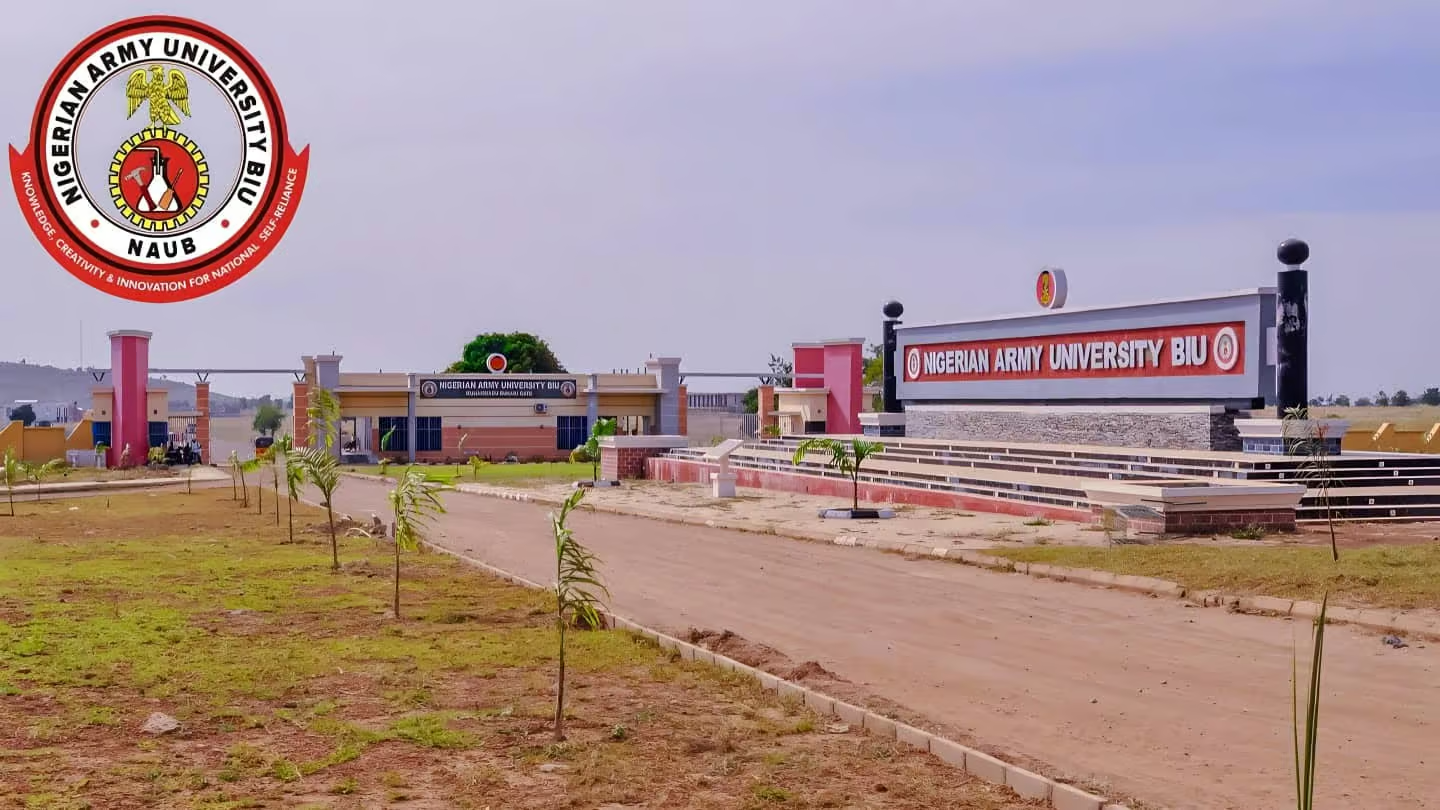
NAUB
Nigerian Army University Admission List 2026/2027 Out

The NAUB Admission List for the 2026/2027 academic session is out. Candidates who applied for admission into the Nigerian Army University Biu (NAUB) through UTME or Direct Entry can now check their admission status online.

The management of NAUB has successfully uploaded the admission list, and candidates can confirm their status through the JAMB CAPS portal.


How to Check the NAUB Admission List

You can check your admission status using the JAMB CAPS portal. Follow these steps carefully:

  1. Visit the JAMB E-Facility portal.
  2. Log in with your JAMB username and password.
  3. Scroll down and click Check Admission Status.
  4. Select Access my CAPS.
  5. Click Admission Status to see if you have been offered admission into Nigerian Army University Biu (NAUB).

Understanding Your Admission Status on JAMB CAPS

When you check your status, you may get one of the following messages:

  1. Admission Offered: Congratulations! You have been admitted. You can now accept or reject the offer on the JAMB portal.
  2. Admission in Progress (AIP): Your school has recommended you for admission. It is now waiting for JAMB’s final approval.
  3. Recommended: Your details have been sent to JAMB for review and possible approval.
  4. Not Admitted: Your application has not been approved yet, or the list is still being updated.
  5. Pending: Your application is still under consideration. Check back later for updates.

What to Do After Being Offered Admission

If your status shows “Admission Offered”, take the following actions:

  • Send ACCEPT or REJECT to 55019 or 66019 using your registered phone number.
  • Print your JAMB Admission Letter after accepting your offer.

Note: If you are checking your admission on a phone, you might not see all the options on CAPS. Use desktop mode on the Chrome browser by selecting “Request desktop site” to access the full page.

FPTB
Fed Poly Bauchi HND Admission List 2025/2026 is Out

The FPTB HND Admission List for the 2025/2026 academic session has been released. The management of the Federal Polytechnic Bauchi (FPTB) has published the first batch of admitted candidates for the Higher National Diploma (HND) programmes.

If you applied for admission into the HND programme, you can now check your status online using the school’s admission portal.


How to Check the FPTB HND Admission List

To view your admission status on the Federal Polytechnic Bauchi (FPTB) HND Admission List, follow these simple steps:

  1. Visit the Federal Polytechnic Bauchi Admission Status Portal.
  2. Select Academic Year as 2025/2026.
  3. Enter your Applicant Details – either your full name or application number.
  4. Choose your Department from the drop-down list.
  5. Select HND as your Level of Study.
  6. Click Display List to check your admission status.

If your name appears on the list, congratulations! You’ve been offered admission into the HND programme at Federal Polytechnic Bauchi.

Next Steps After Checking Your Admission Status

Once your name is confirmed on the FPTB HND Admission List, make sure to:

  • Print your admission notification slip from the portal.
  • Prepare all required documents for registration, including your ND certificate, O’Level results, and evidence of payment for processing fees.
  • Follow the school’s registration schedule and complete the necessary steps at your department.
FPTB
Fed Poly Bauchi Pre-HND Admission List 2025/2026 Released

The Pre-HND Admission List for the 2025/2026 academic session has been released by the management of the Federal Polytechnic Bauchi (FPTB). This update is for candidates who applied for admission into the Pre-Higher National Diploma (Pre-HND) programme.

If you took part in the admission process, you can now check your name on the published list through the school’s official portal.


How to Check the FPTB Pre-HND Admission List

Follow these simple steps to confirm your status on the Federal Polytechnic Bauchi (FPTB) Pre-HND Admission List:

  1. Go to the Federal Polytechnic Bauchi Admission Status Portal.
  2. Select Academic Year as 2025/2026.
  3. Enter your Applicant Details – either your full name or application number.
  4. Choose the Department related to your course of study.
  5. Select Pre-HND as your Level of Study.
  6. Click Display List to check your admission status.

If your name appears, congratulations! You’ve been successfully offered provisional admission into the Pre-HND programme at Federal Polytechnic Bauchi.

What to Do After Checking Your Admission Status

Once you confirm your name on the FPTB Pre-HND Admission List, you should:

  • Print your admission notification slip from the portal.
  • Prepare the required documents such as your ND result, O’Level certificate, and evidence of application fee payment.
  • Follow the registration guidelines on the school website to complete your admission process.
FPTB
FPTB ND Merit Admission List 2025/2026 is Out

The FPTB Admission List for the 2025/2026 academic session is out. The management of the Federal Polytechnic Bauchi (FPTB) has released the list of candidates offered provisional admission into the National Diploma (ND) programmes.

If you applied for admission, you can now check your status through the official portal to confirm whether your name appears on the list.


How to Check the FPTB Admission List

Follow the steps below to check your name on the Federal Polytechnic Bauchi (FPTB) Admission List:

  1. Visit the FPTB Admission Status Portal.
  2. Select Academic Year as 2025/2026.
  3. Enter your Name or Application Number in the space provided.
  4. Choose your Department according to your course of study.
  5. Select ND as your Level of Study.
  6. Click Display List to view your admission status.

If your name appears, congratulations—you’ve been offered provisional admission into the National Diploma programme at Federal Polytechnic Bauchi.

Actions for Successful Candidates

After confirming your name on the FPTB Admission List, take these next steps:

  • Accept or Reject Admission: Log into the JAMB CAPS Portal and click Accept or Reject to confirm your decision.
  • Print JAMB Admission Letter: Once accepted, print your JAMB Admission Letter for official documentation and registration.
  • Prepare for Registration: Gather required documents such as your O’Level results, JAMB slip, and evidence of application payment for the registration process at the school.
Sancta Maria Catholic College of Nursing Sciences
Sancta Maria Catholic College of Nursing Admission List 2025/2026

The management of Sancta Maria Catholic College of Nursing Sciences, Uzairue, Edo State, has announced the release of the Admission List for the 2025/2026 academic session. Candidates who took part in the recent Post-UTME screening can now check their admission status.

How to Check the Sancta Maria Catholic College of Nursing Sciences Admission List

The full admission list has been placed on the notice board at the college premises. It is also available on the official Facebook page of the College.


Steps for Admitted Candidates

All successful candidates who have been offered provisional admission must visit the Bursar’s Office to begin their clearance and documentation.

Documents Required

Students should come with the following items:

  • Original and photocopies of academic credentials (O’Level results, birth certificate, etc.)
  • JAMB UTME Result Slip and JAMB Admission Letter
  • Post-UTME Screening Result Slip
  • Four recent passport photographs
  • Any other documents required by the Admissions Office

This clearance process is compulsory for all admitted students. Anyone who fails to complete it within the given time may lose their admission.

Preparing for Campus Life

Students are encouraged to organise their documents early and confirm that all credentials are valid before reporting. The college looks forward to welcoming the new class to begin their studies in nursing and health sciences.

Further Information

For more details or updates, students can contact the Admissions Office or visit the official website.

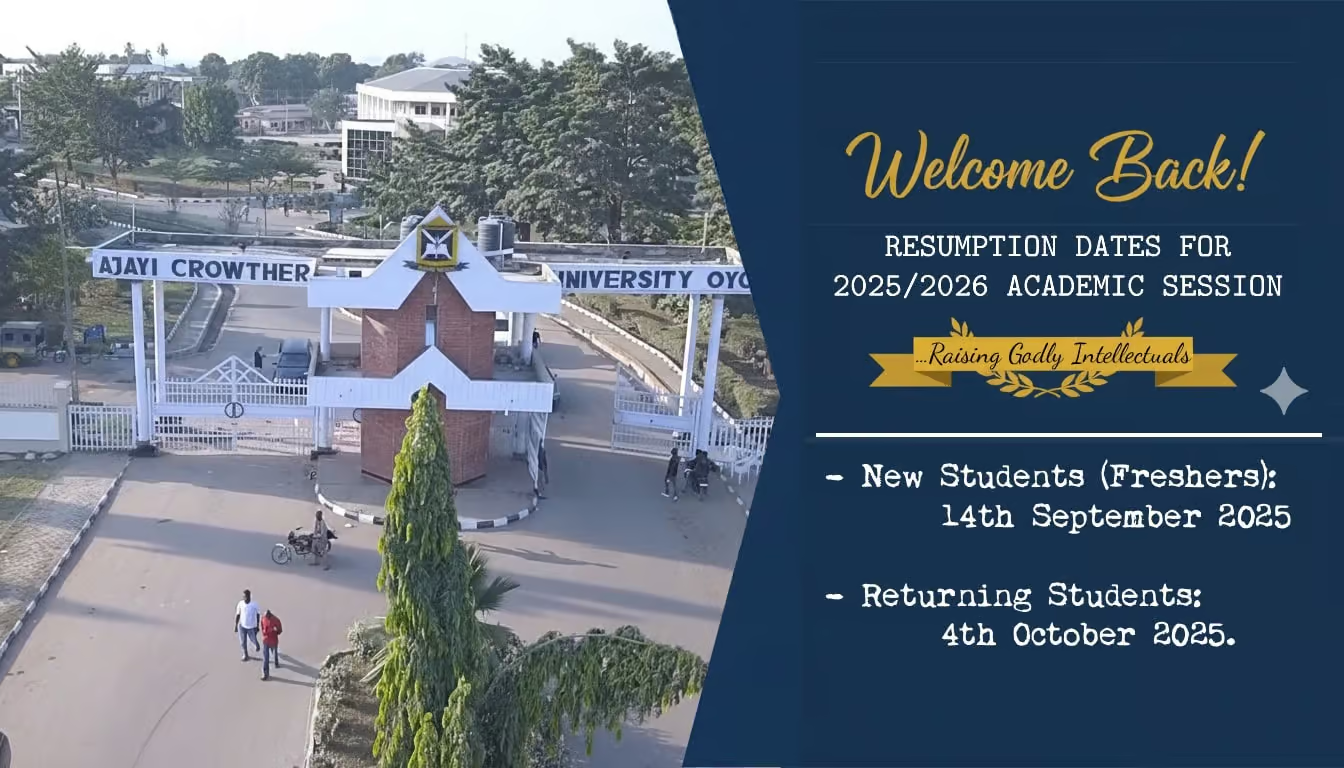
Ajayi Crowther University ACU
Ajayi Crowther University Admission List 2025/2026 Out

The management of Ajayi Crowther University (ACU), Oyo, has released the Admission List for the 2025/2026 academic session. Candidates who took part in the admission exercise can now confirm their admission status and begin the next steps for registration.

How to Check the Ajayi Crowther University Admission List

Students can check their admission status and complete the acceptance process by visiting the ACU Admission Portal.


Step-by-Step Guide

  1. Login to your ACU admission account.
  2. Download your provisional admission letter.
  3. Pay the required acceptance fee, tuition, accommodation, and medical charges.
  4. Visit the JAMB CAPS portal to confirm and accept your admission.

For JAMB Admission Confirmation

  • Make sure Ajayi Crowther University, Oyo, is your first choice on JAMB CAPS.
  • Upload your O’Level results at any JAMB Office.
  • On CAPS, click Check Admission Status, then Accept Admission using either biometrics or by texting ACCEPT to 55019 or 66019 within four weeks of approval.
  • Print your JAMB Admission Letter.

Documents for Clearance and Registration

All admitted students must report to the Admission Office for clearance with the following documents:

  • O’Level results (original and photocopy)
  • JAMB Result Slip
  • JAMB Admission Letter
  • ACU Provisional Admission Letter
  • Completed ACU Biodata/Application Form
  • Court affidavit on non-membership of any secret society
  • Birth certificate
  • Attestation letters from parent/guardian, clergy, or reputable persons
  • Ten passport-sized photographs
  • Evidence of payment for tuition, hostel, and other approved fees

Important Information

Students should rely only on official communication from the university. Updates and official notices are shared through the ACU admission portal and the university website.

For questions, students can reach the Admission Office via 0814 592 0637 (call or WhatsApp) or email admissions@acu.edu.ng.